
Please follow the following steps:
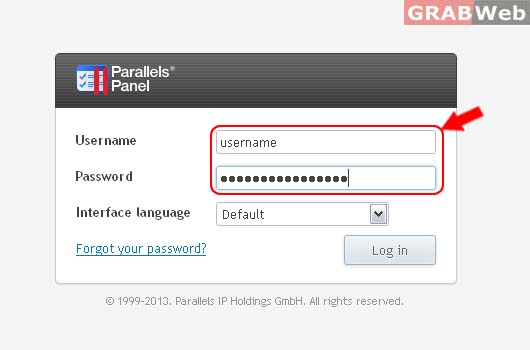
1) Login to Plesk Control Panel.
2) Click on Users Tab

3) Click on Users Accounts Tab

4) Select the corresponding User Account from the list
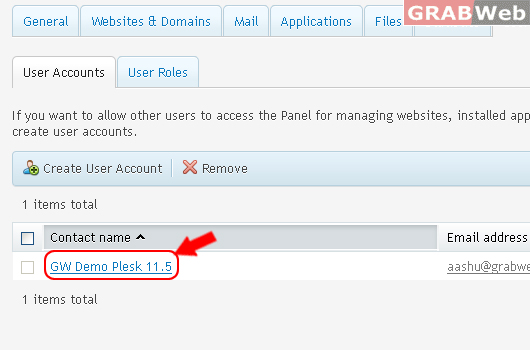
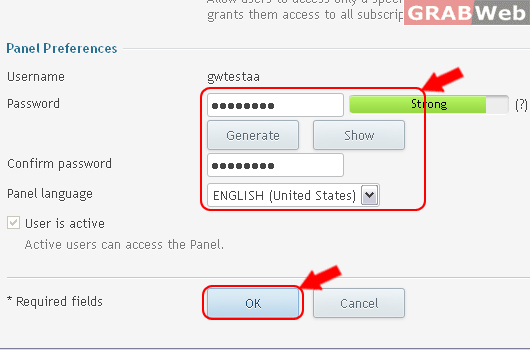
5) Click on Change Settings for Password and contact details etc.

6) Enter the details as marked in RED.
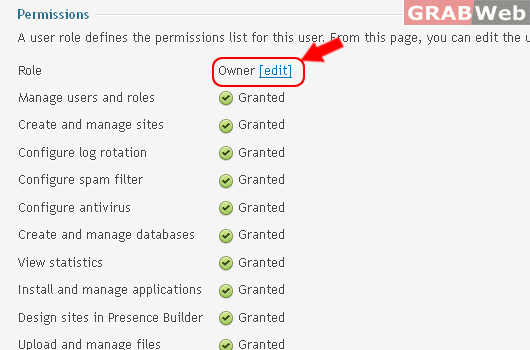
7) To Edit permissions, Click Edit.
8) Click ok.
Information: The user account GW Demo Plesk 11.5 was updated.
