
Please follow the following steps:
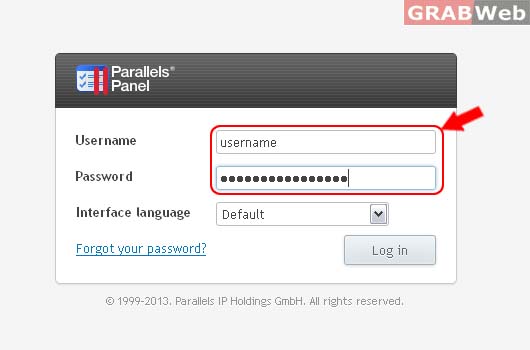
1) Login to Plesk Control Panel.
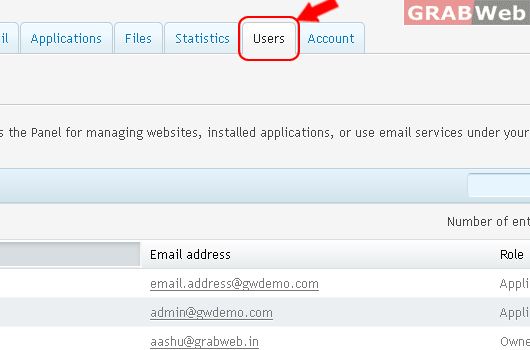
2) Click on Users Tab
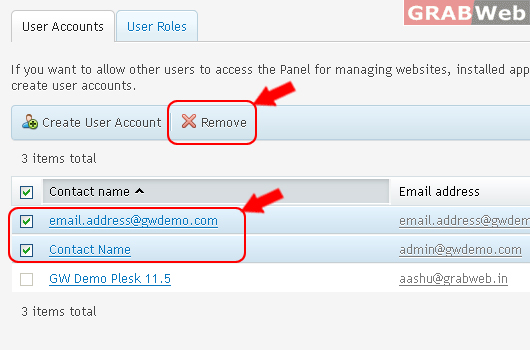
3) User have to select the corresponding user from the users list & after that he need to click on Remove to remove the selected user
4) Click Yes.
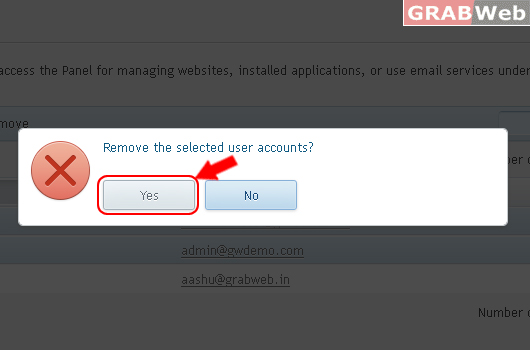
Information: The selected user accounts were removed.
