
Please follow the following steps:
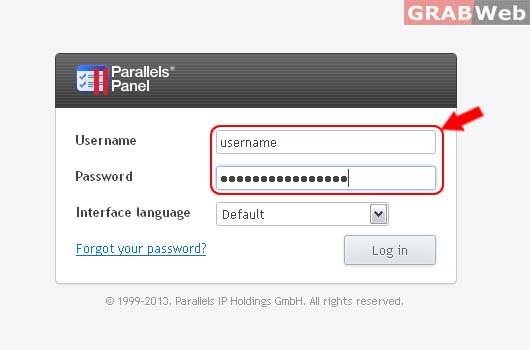
1) Login to Plesk Control Panel.
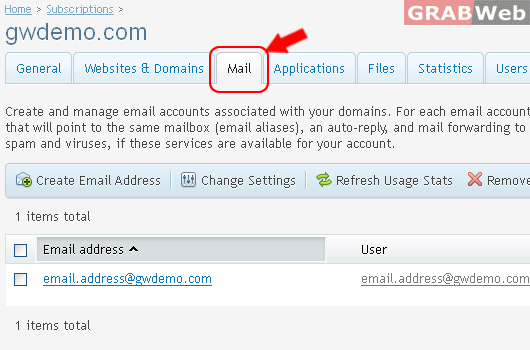
2) Click on Mail Tab.
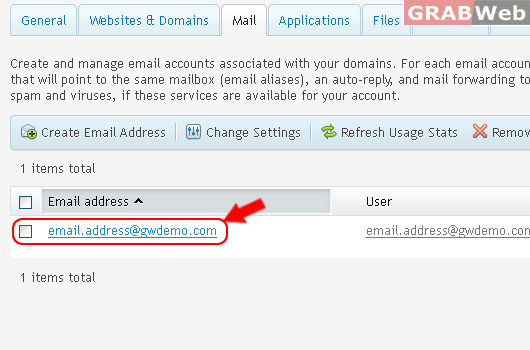
3) Select the corresponding Email Address from the list.
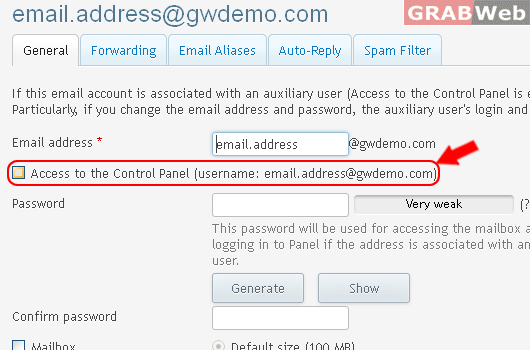
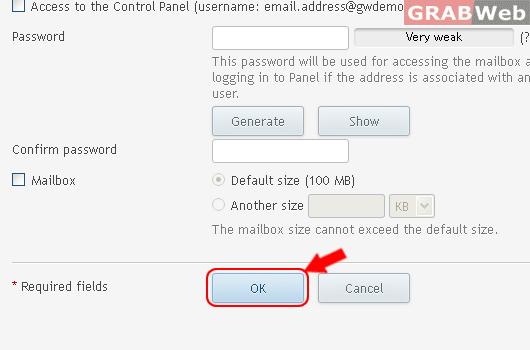
4) Click on Check box "Access to the Control Panel (username: email.address@gwdemo.com)"
5) Click Ok.
Information: The settings of email address email.address@gwdemo.com were saved.
