
Please follow the following steps:
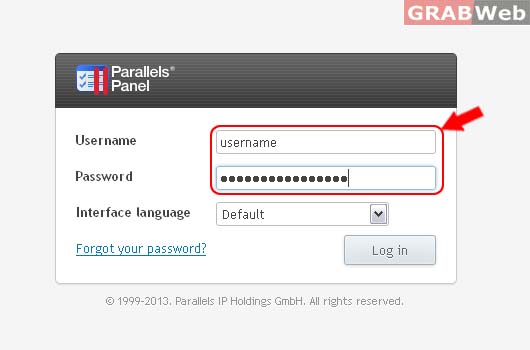
1) Login to Plesk Control Panel.
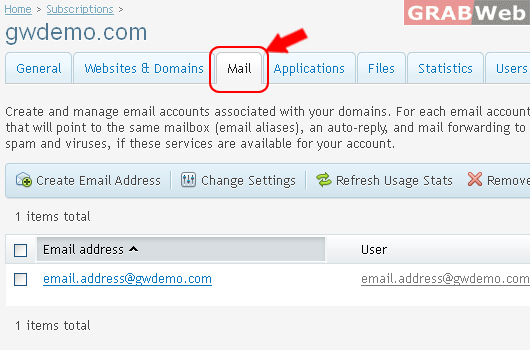
2) Click on Mail Tab.
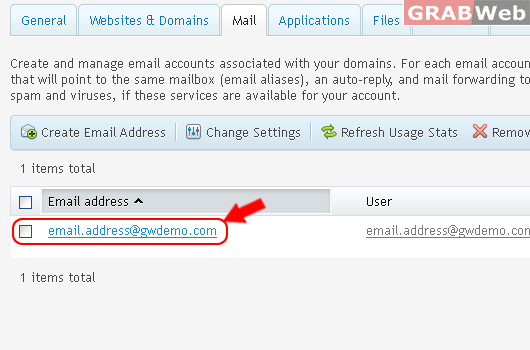
3) Select the corresponding Email Address from the list.
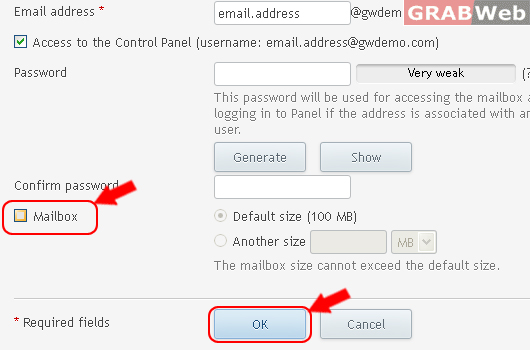
4) Click on Uncheckbox as marked in RED. and then Click ok.
Information: The settings of email address email.address@gwdemo.com were saved.
