
Switch mail service for the domain on or off, specity how to deal with mail sent to nonexistent users, and select webmail program.
Please follow the following steps:
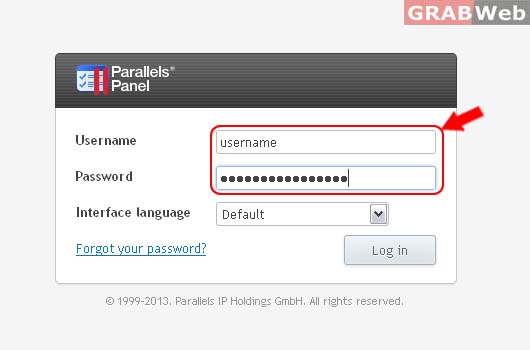
1) Login to Plesk Control Panel.
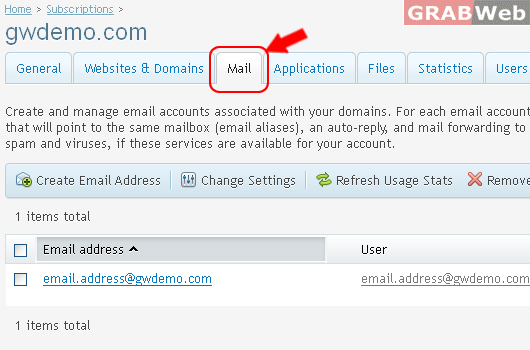
2) Click on Mail Tab.
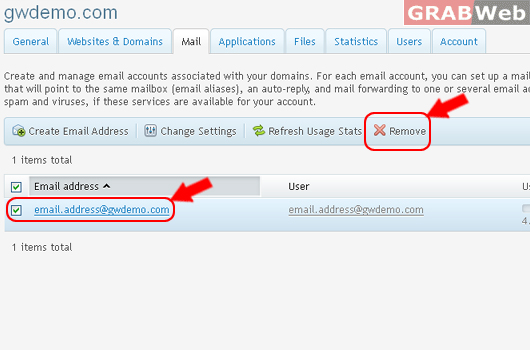
3) Select the corresponding Email Address from the list and then click on Remove.
4) Click Yes.
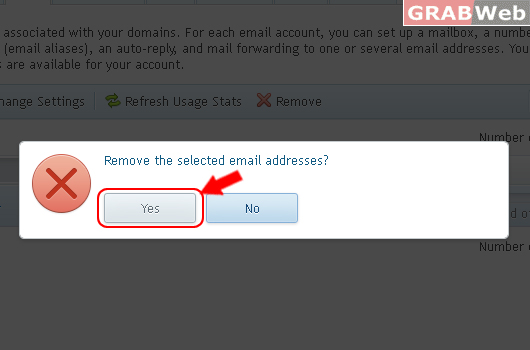
Information: Selected email addresses were deleted.
