
To Change System user of subscription
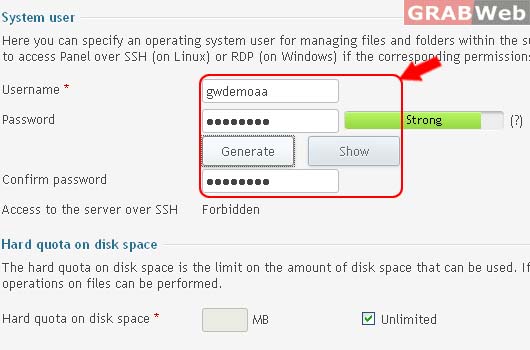
Here you can specify an operating system user for managing files and folders within the subscription by FTP or with File Manager. The system user is also used to access Panel over SSH (on Linux) or RDP (on Windows) if the corresponding permissions are granted.
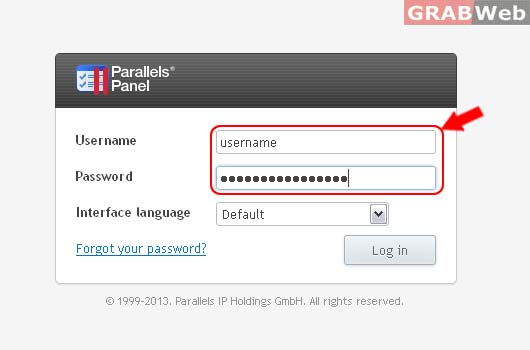
Please follow the following settings:-
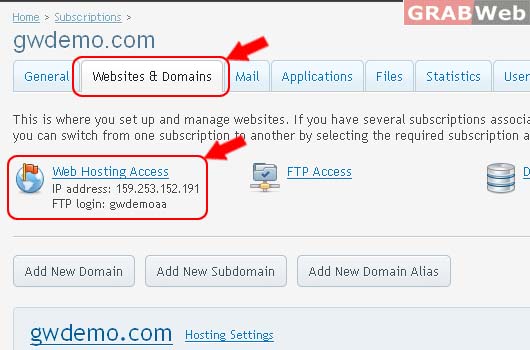
2) Click on Websites & Domains > Click Web Hosting Access
3) Under the System user as marked in RED.
4) Click Ok.
