
Please follow the following steps:
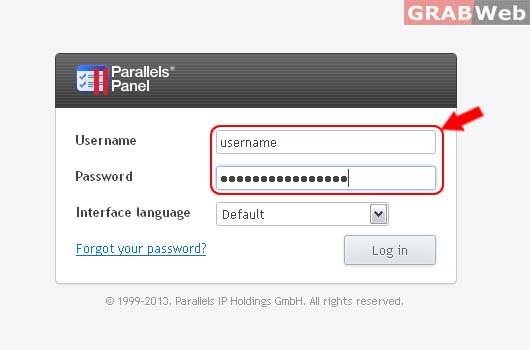
1) Login to Plesk Control Panel.
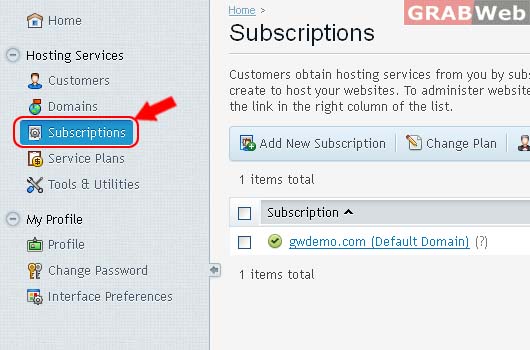
2) Click on Subcriptions.
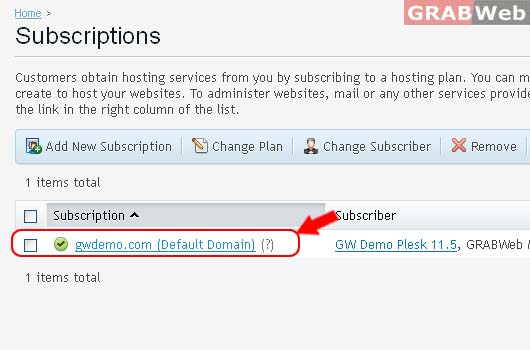
3) Select the corresponding Subscriptions from the list.
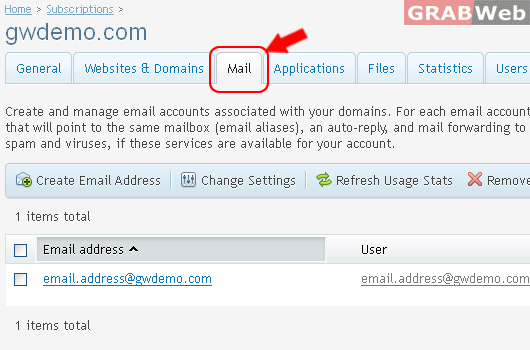
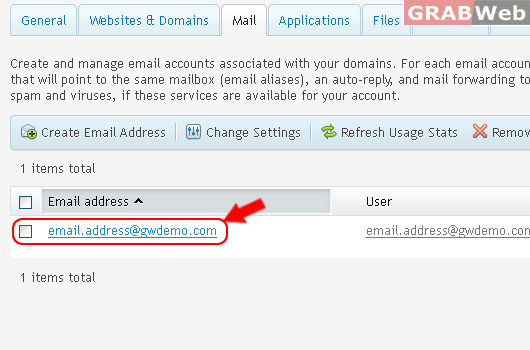
4) Click on Mail Tab.
5) Select the corresponding Email Address from the list.
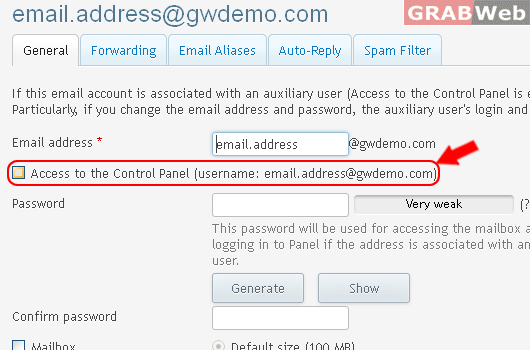
6) Click on Check box "Access to the Control Panel (username: email.address@gwdemo.com)"
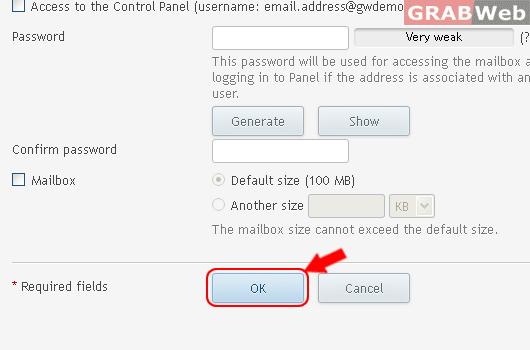
7) Click Ok.
Information: The settings of email address email.address@gwdemo.com were saved.
