
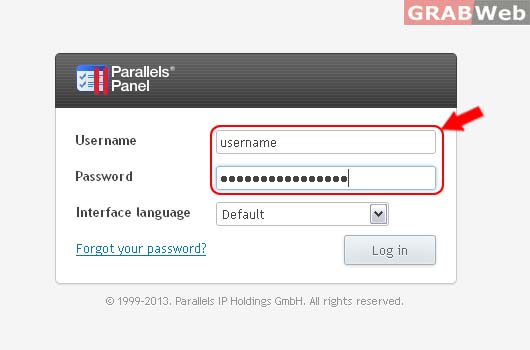
1) Login to Plesk control panel.
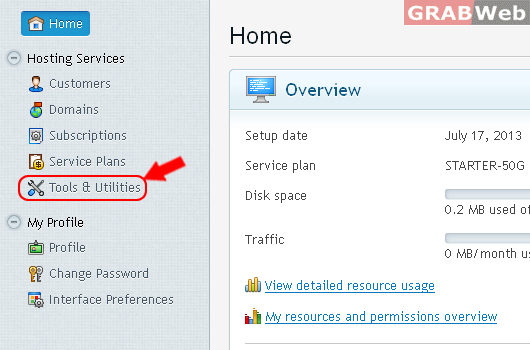
2) Click Tools & Utilities.
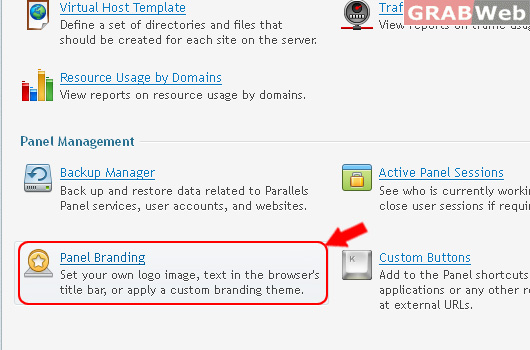
3) Click on Panel Branding
4) There you can Do following points:
Brand your Panel interface in these three ways: (1) Change Panel page titles that appear in the browser's title bar. (2) Replace the Panel logo in the top-right corner of Panel pages. (3) Apply a custom Panel theme.
Title Text
Logo file
Logo URL
Default Logo
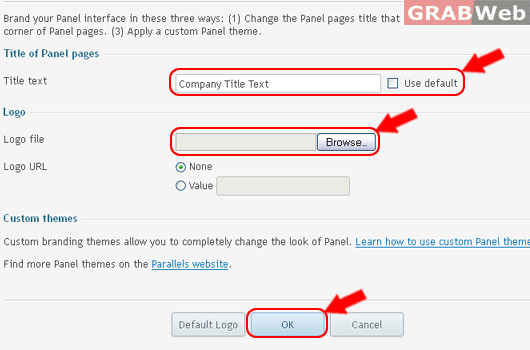
Information: Your panel branding settings were applied.
