
To Secure Your Sites in Reseller Account, please follow the following settings:-
1) Login to Plesk control panel.
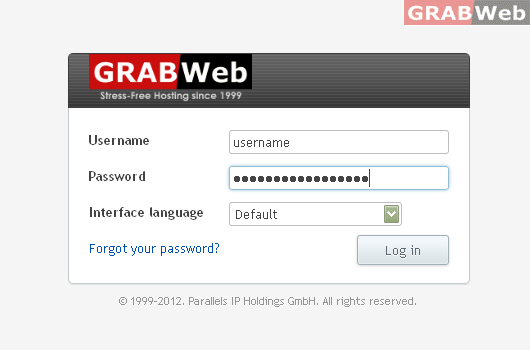
2) Click on Subscriptions

3) Click on Manage Hosting
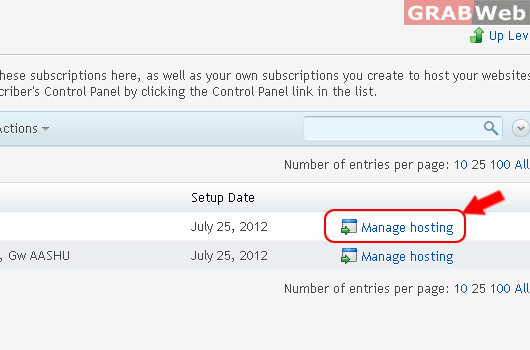
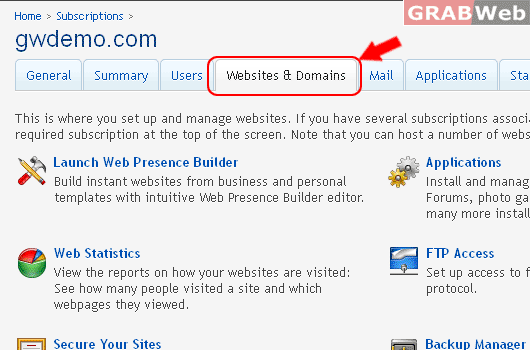
4) Click on Website & Domains
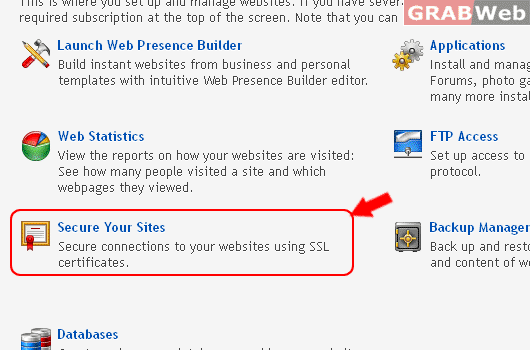
5) Click on Secure Your Websites.
To Secure Your Sites in Reseller Account, please follow the following settings:-
1) Login to Plesk control panel.
2) Click on Subscriptions
3) Click on Manage Hosting
4) Click on Website & Domains
5) Click on Secure Your Websites.
To Enable PHP module support, Please follow the following settings:- 1) Login to Plesk control...
To Change Hosting type of Domain In Reseller Account, please follow the following settings:- 1)...
To Enable & Disable PHP safe mode in the Plesk, please follow the following settings:- 1) Login...
To check server side site preview of your particular Subscription in Plesk, Please follow the...
To Enable and Disable Script Support ( php / cgi / apache ) in Reseller Account, Please follow...

![[FULL VIEW]](https://manage.grabweb.net/img-kb/plesk11/securessl/securessl6.gif)