
To Check Web Statistics in Reseller Account, please follow the following settings:-
View the reports on how your websites are visited: See how many people visited a site and which webpages they viewed.
1) Login to Plesk control panel.

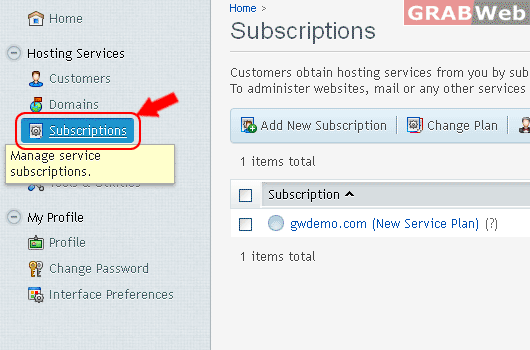
2) Click on "Subscriptions".
3) Click on "Manage Hosting".

4) Click on "Web Statistics"

