To View Database via PhpMyAdmin / ASP.Net Enterprise Manager in Reseller Account, Please follow the following steps :-
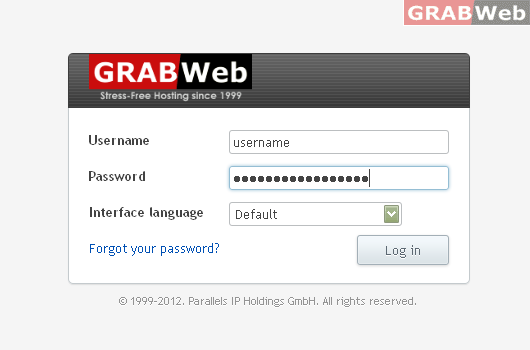
1) Login to Plesk control panel.
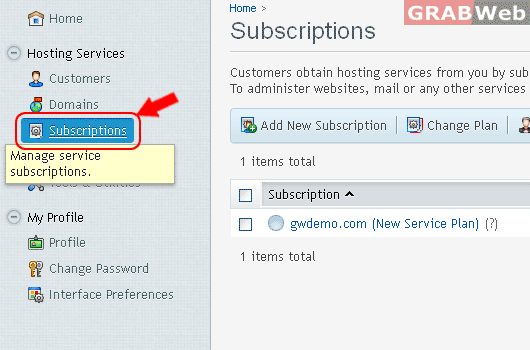
2) Click on Subscriptions.
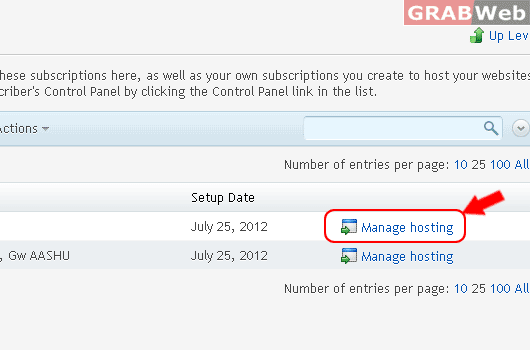
3) Click on Manage Hosting.
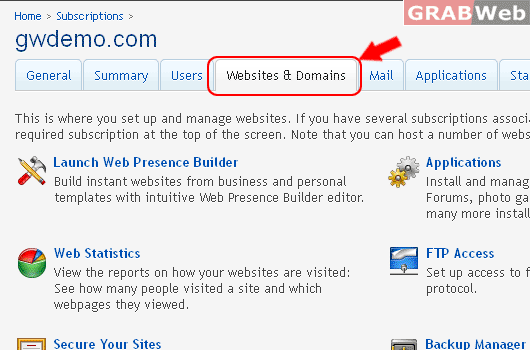
4) Click on Websites & Domains.
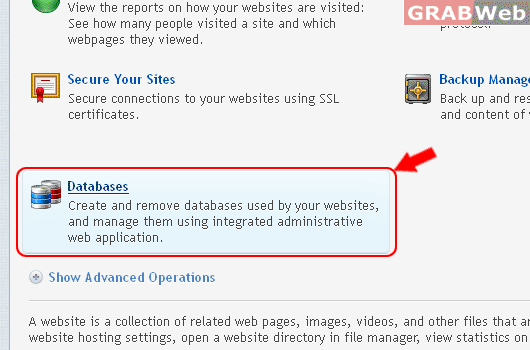
5) Click on Databases.
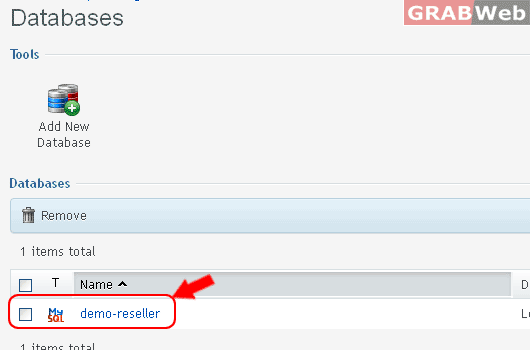
6) Click on Database Name.
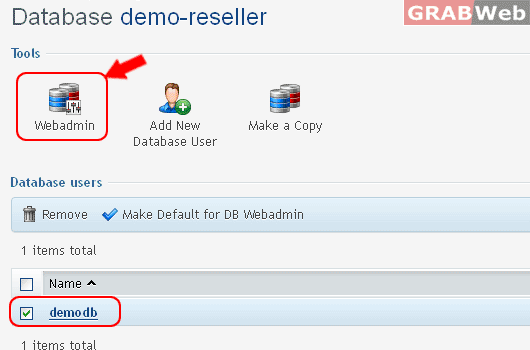
7) Select the Database Username from the list and Click on Webadmin.
If you database Mysql so you will get screen phpMyAdmin Screen.
If you database MSSQL so you will get screen ASP.NET Manager Screen.