To Make a Copy of Mysql Database in Reseller Account, Please follow the following steps :-
Create a new database that is an exact copy of the source database. You can also copy a database content to a database that already exists (destination). In such a case, the tables from the source database will be added to those in the destination database. If a table name is the same in the source and destination databases, then the table from the source will replace the one in the destination.
1) Login to Plesk control panel.

2) Click on Subscriptions.
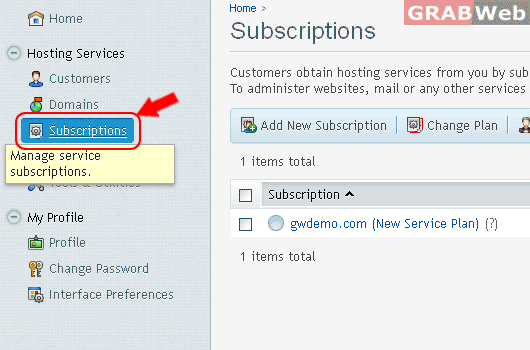
3) Click on Manage Hosting.

4) Click on Websites & Domains.

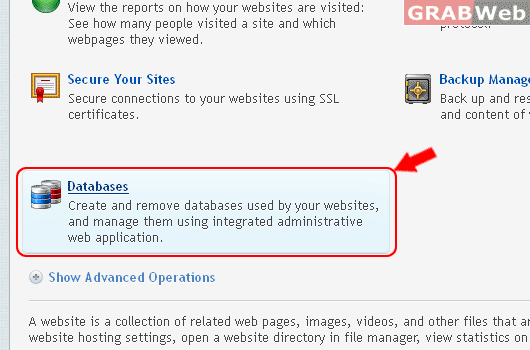
5) Click on Databases.
6) Click on Click on Database Name.
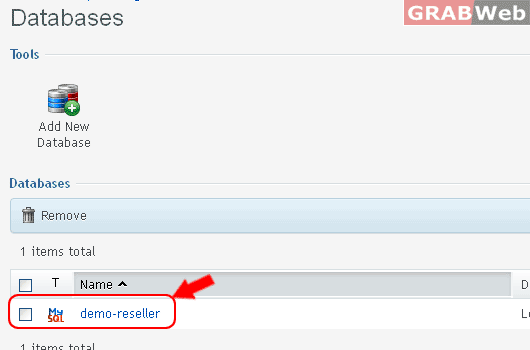
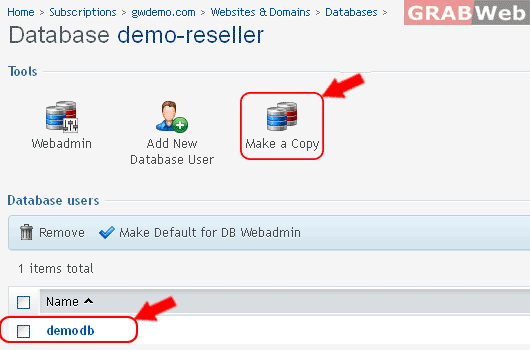
7) Check box on Database Username and Click on Make a Copy.
8) Type Database name, Click Check box Create a full copy.
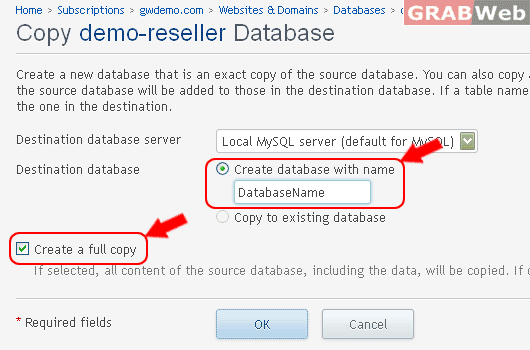
9) Click Ok.
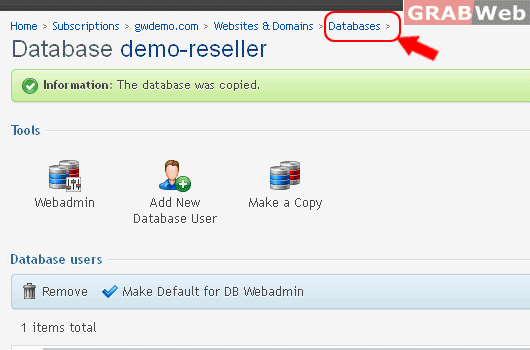
Information : The database was copied.
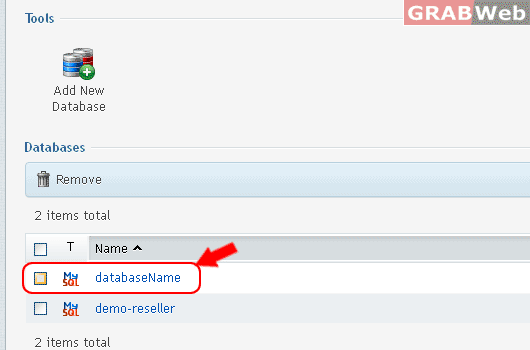
10) To Verify the above steps, Click on Database and then Click on Database Name.
11) Click on Add New Database User.
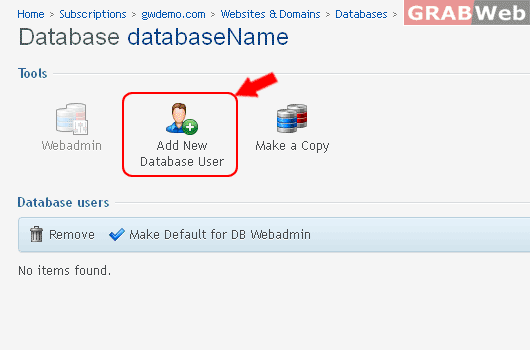
12) Enter Following Details,
- Database Name
- Password
- Confirm password

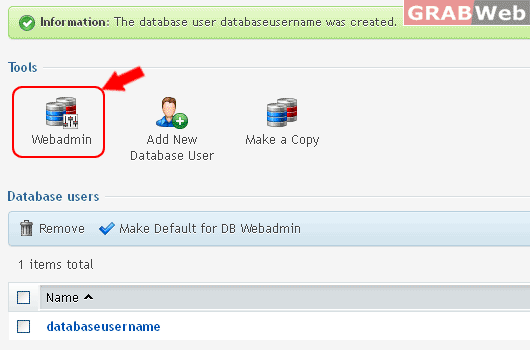
Information : The database user "databaseuername" was created.
13) Click on Webadmin to see the tables through phpMyAdmin.