To Check Users and Users Roles of Subscription in Plesk, Please follow the following steps :-
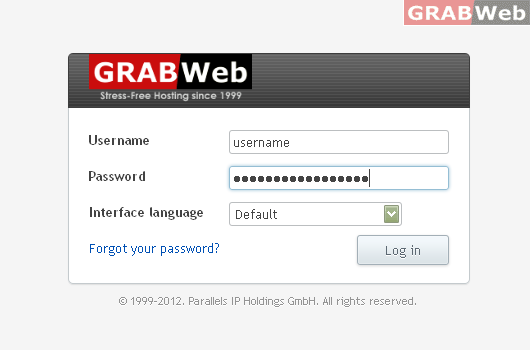
1) Login to Plesk control panel.
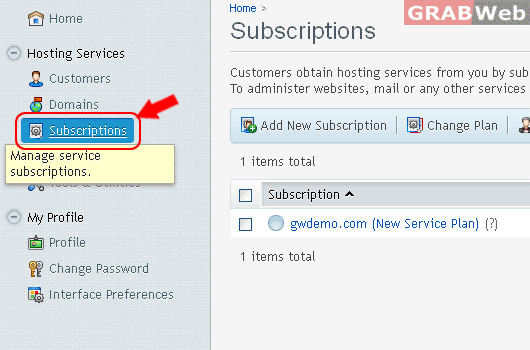
2) Click on " Subscriptions ".
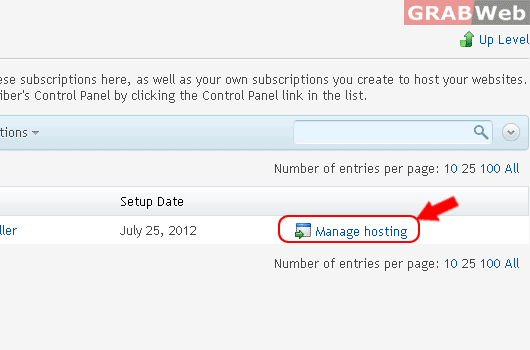
3) Click on "Manage hosting" in the front of the Subscription name.
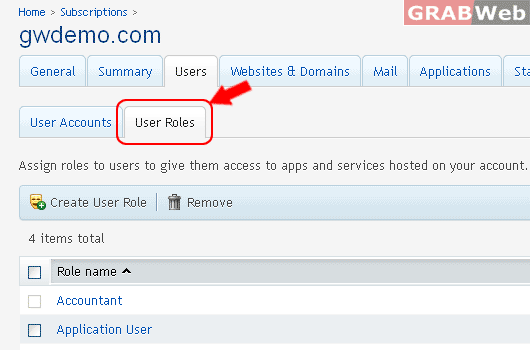
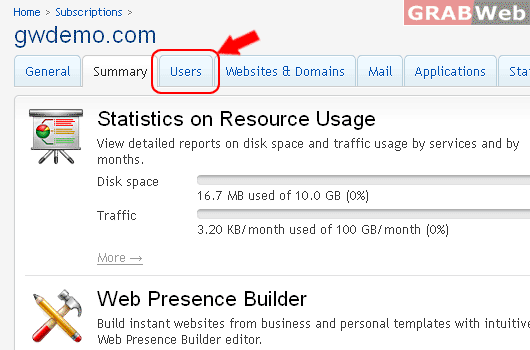
4) Click on "Users Tab"and it will show you Users Accounts and User Roles.
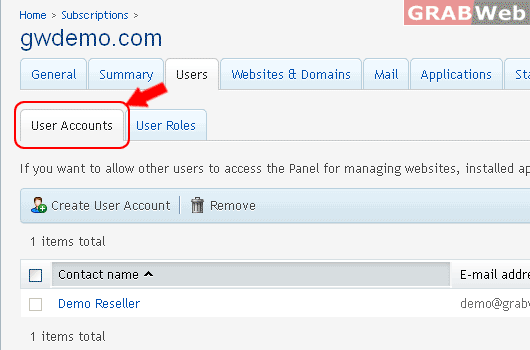
5) Click on "User Accounts Tab" for See users list with full details.
If you want to allow other users to access the Panel for managing websites, installed
applications, or use e-mail services under your domains, then you need to create user accounts.
4) Click on "User Roles Tab" Assign roles to users to give them access to apps
and services hosted on your account. There are several predefined user
roles. You can modify them or create your own custom roles.