
To check server side site preview of your particular Subscription in Plesk, Please follow the steps:
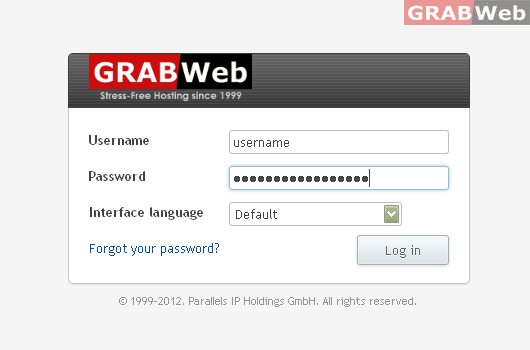
1) Login to Plesk control panel.
2) Click on "Subscriptions"

3) Click on "Manage Hosting"

4) Click on "Websites and Domains".

5) Click on "Site Preview Icon" in the front of the domain name.

