
To Enable & Disable PHP safe mode in the Plesk, please follow the following settings:-
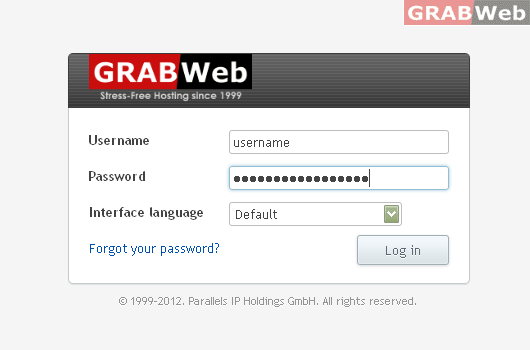
1) Login to Plesk control panel.
2) Click on "Subscription".

3) Click on "Manage Hosting".

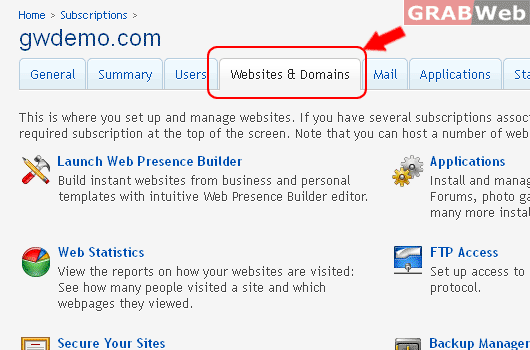
4) Click on "Websites and Domains".
5) Click on the "Domain Name" under whom you want to enable PHP safemode.

6) Click on of "PHP Settings" tab and Scroll down.

7) Go to "Common Settings" and Select drop down menu "ON & OFF or Default" .

8) Click OK.
