To Make shared IP to my dedicated IP my account, Please follow the following steps :-
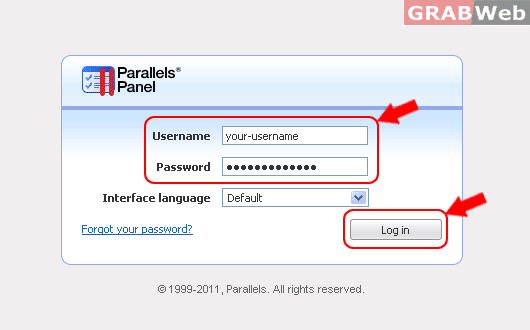
1) Login to Plesk control panel.
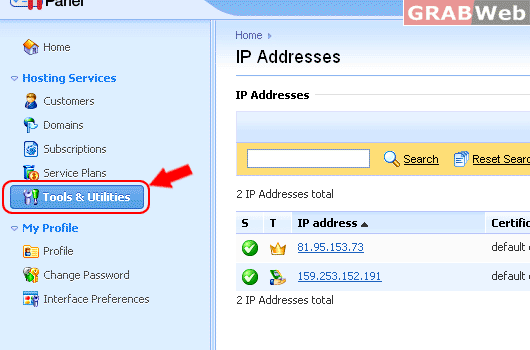
2) Click on "Tools and Utilities"
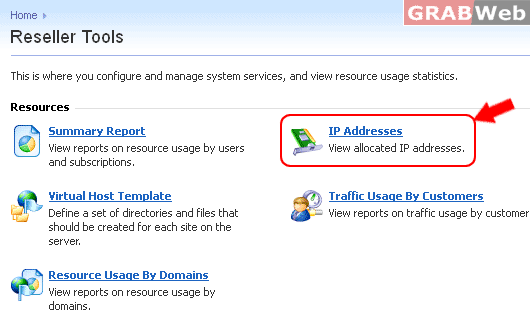
3) Click on "IP Addresses" and it willl show you the IP addresses assigned to your account.
5) There you can see Assigned IPs in your reseller account and then click on Dedicated IP.
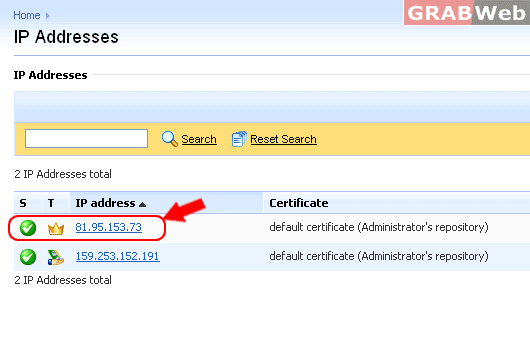
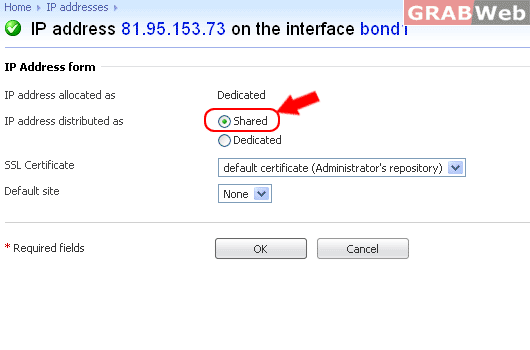
6) Click on Shared and then click Ok.