
To Make Default for DB Webadmin in Plesk, please follow the following steps :-
1) Login to Plesk control panel.

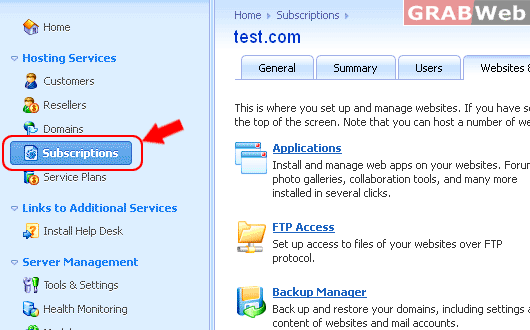
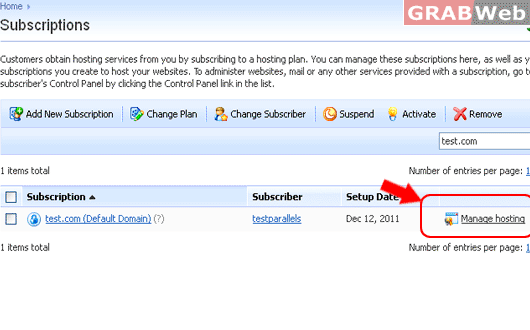
2) Click on "Subscriptinos" and then Click on "Manage Hosting" in front of the domain whose change the Database user password
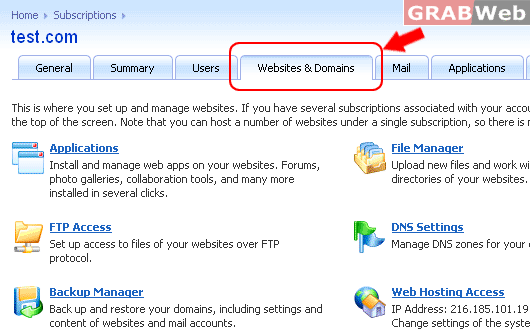
3) Click on "WebSites and Domains".
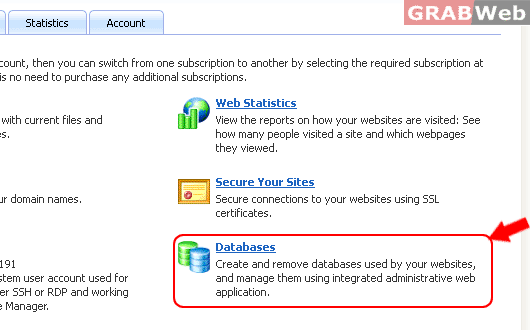
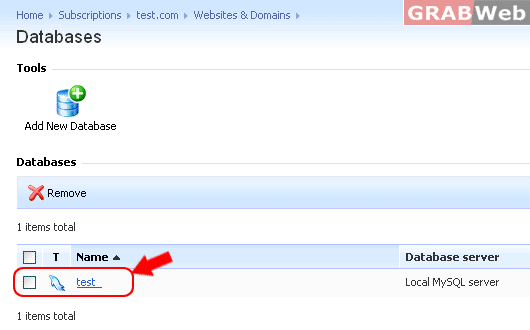
4) Click on "Databases".
5) Click on "Database Name".
6) Click on "Database User" for whose user password you wanrt to change.
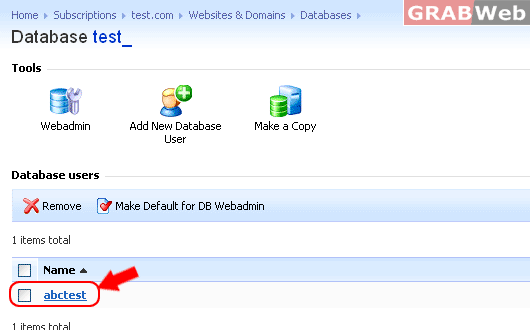
7) Click on Make Default for DB Webadmin.
