
To schedule the backup of my account in Plesk 10, please follow the following steps:-
1) Log in to Plesk control panel.

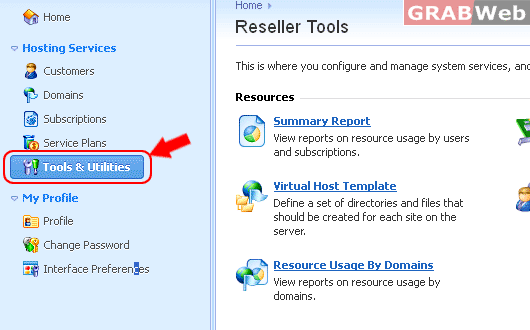
2) Click on "Tools & Utilities".
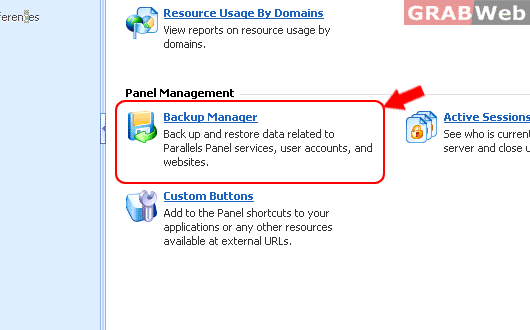
3) Click on "Backup Manager".
4) Click on "Scheduled Backup Settings".

5) If you want to activate this schedule backup then click on check box in front of "Activate this backup task".
Enter the required detail.
Set the scheduled of backup tasks.
Add prefix to backup name.
Maximum number of backup in repository.
Enter your email for backup completed notification.
Make sure Unchecked "Suspend domains until backup task is completed"
Select the backup type in drop down menu.
Click ok.

7) The backup will be scheduled now.
