
Please follow the following steps to remove backup file placed under your account in Plesk 10 :-
1) Login to Plesk control panel.
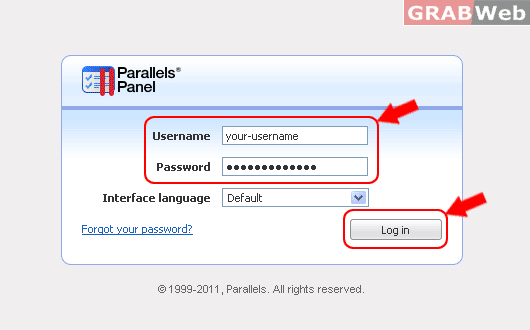
2) Click on "Tools & Utilities".

3) Click on Backup Manager.

4) Select a check box corresponding to the backup file you want to remove and then click Remove.

5) Click on Check of "Confirm removal" and then click ok.
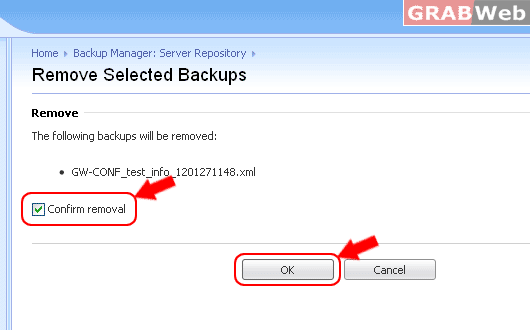
6) Confirm removal and click OK.

