
To make the changes in the DNS, please follow the following steps :-
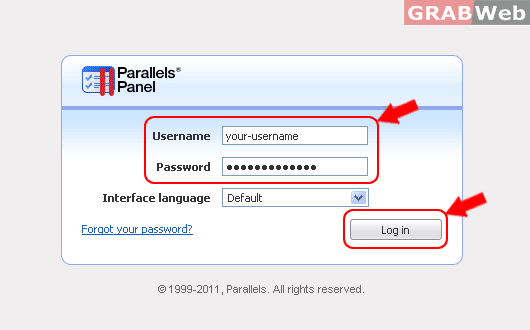
1) Login to your Plesk control panel.
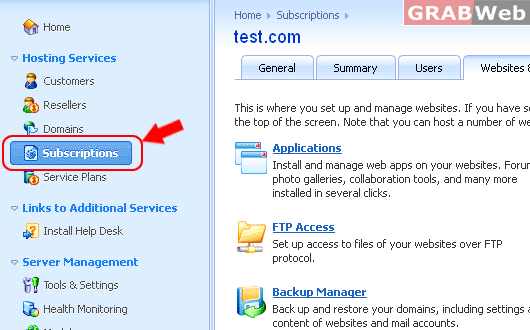
2) Click on "Subscription".
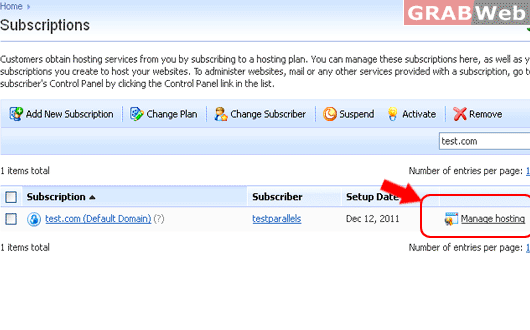
3) Click on "Manage Hosting".
4) Click on "Websites and Domains".
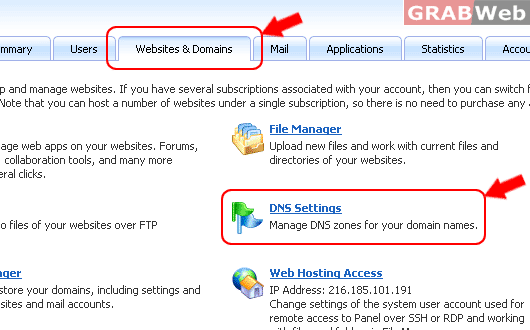
5) Click on "DNS Settings".
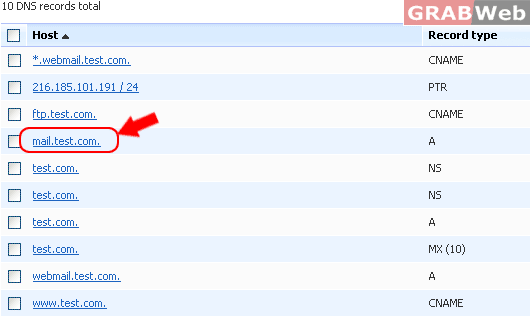
6) Click on [Manage] in the front of the domain.
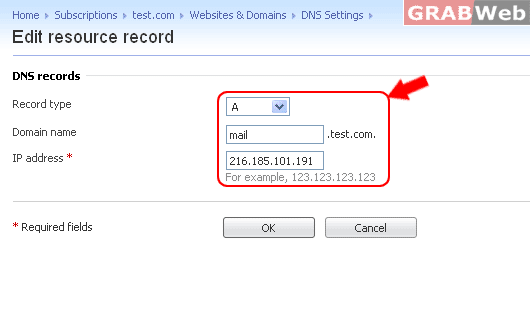
For Flash Tutorial : Click Here.
