
To check the resource usage of my account, Please followthe following steps :-
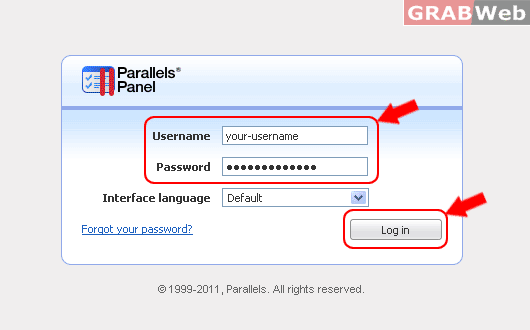
1) Login to Plesk control panel.
2) Click on " My resources and permession overview" and it will show the resource used by your reseller account.
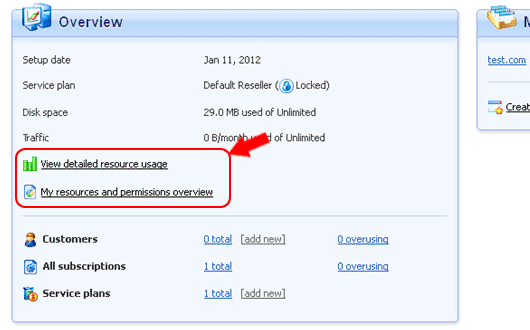
3) Click on "Resources" and it will show the resource used by your reseller account.

4) Click on "Permissions" and it will show the permissions provided resources to your reseller account.

