
To remove a customer from reseller account in Plesk, please follow the following steps :-
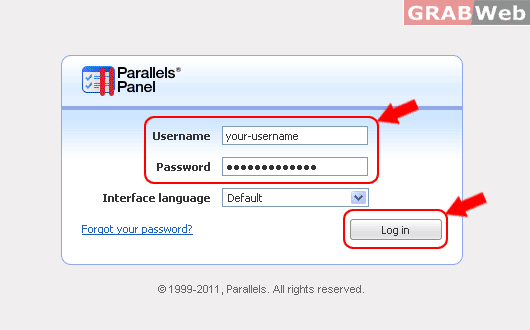
1) Login to Plesk control panel.
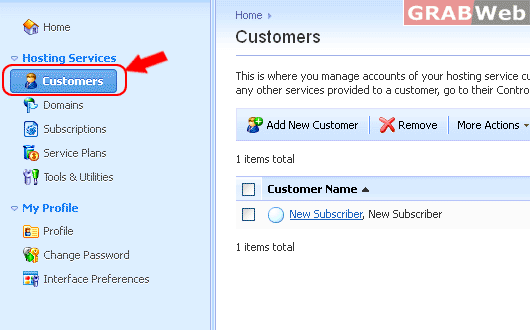
2) Click on "Customers".
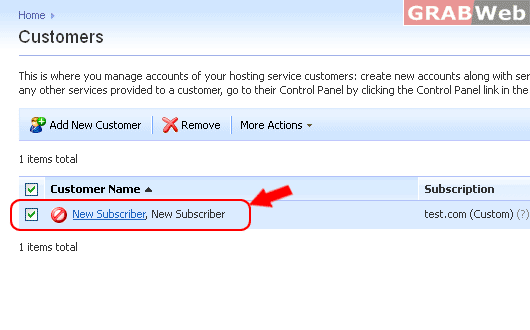
3) Select the "Customer" which you want to delete and click on "remove".
4) Click Remove button
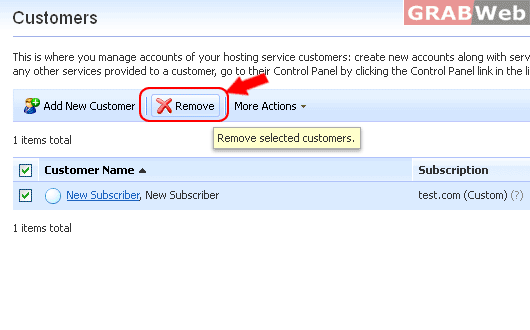
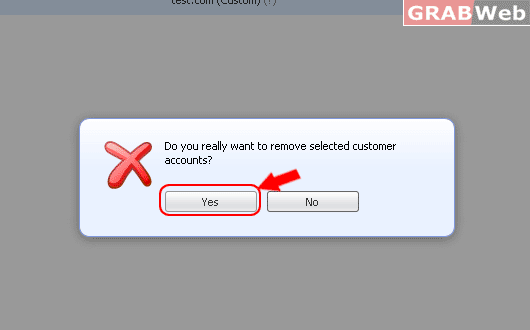
4) A popup will popup asking for the confirmation. Click on "yes" and it will delete the customer account from your account.
For Flash Tutorial : Click Here.
