
- Login into Plesk Panel

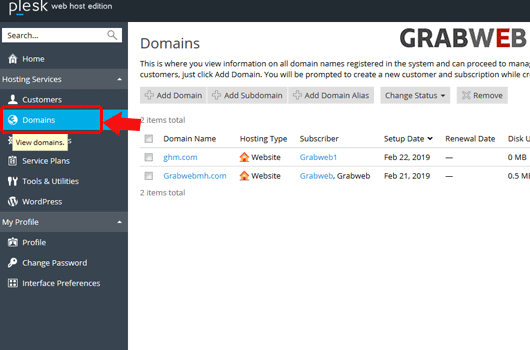
2. Select the "Domains" tab as marked in the image
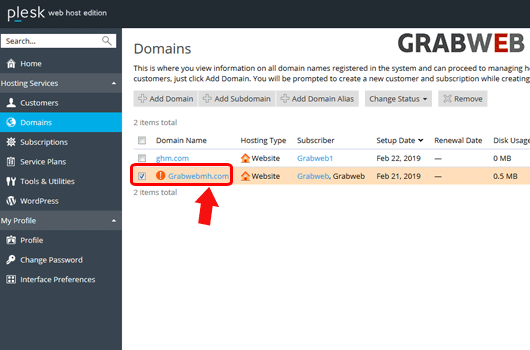
3. Click on domain name for which you want to install the SSL certificate as marked in the image.
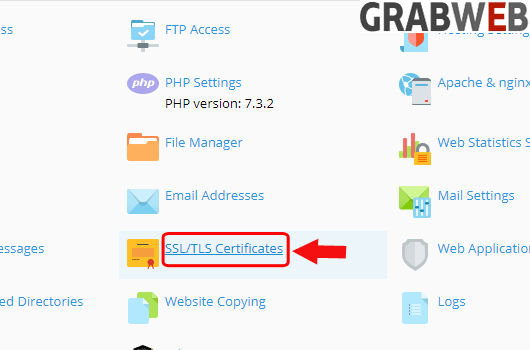
4. Click on "SSL/TLS Certificates" option as marked in the image.
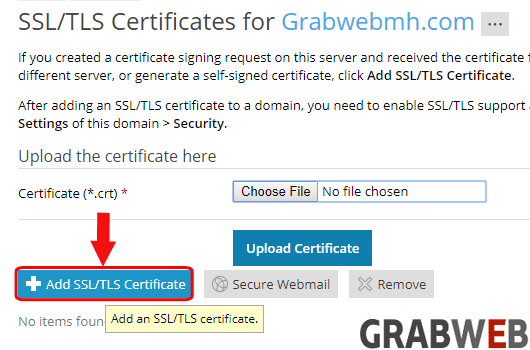
5. Click on Add SSL/TLS Certificate button as marked in image.
6. Enter the Certificate name and required information .
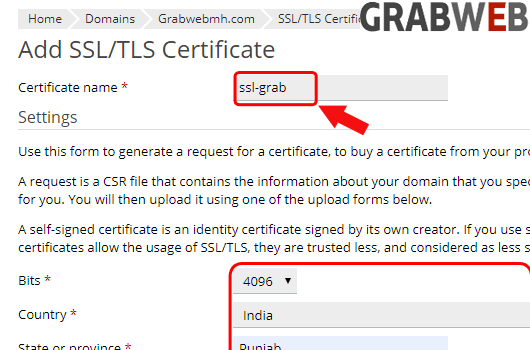
7. After full fill the information click on "Self-Signed" button as marked in the image.

8. Here you can see SSL created Successfully.

NOTE: If you use self signed certificate then your https connection of your website always gives a warning that you are using the Self Signed Certificate.
