
1. Login into Plesk Panel.
2. Click on the "Subscriptions" button on the left side of the screen as marked in the image.
3. Click the "Subscription Name" as marked in the image.
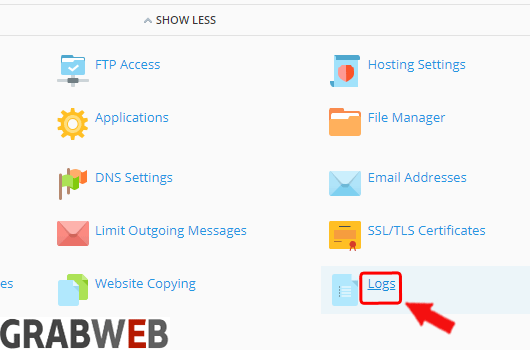
4. Select the "Logs" button as marked in the image.
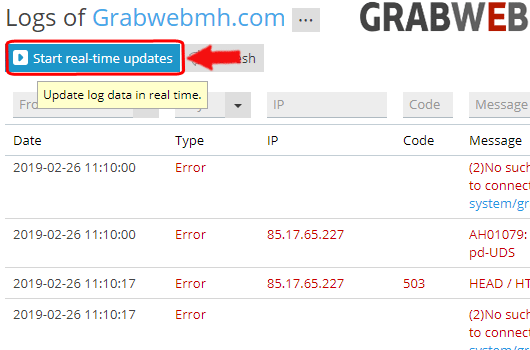
5. You can also check the Real-time logs by clicking on "Start real-time updates" button as marked in the image.


Most Popular Articles
How we can Change log rotation Settings in Plesk 17.8 (Onyx) in Reseller Interface ?
1. Login into Plesk Panel. 2. Click on the "Subscriptions" button on the left side of the...
How we can download log files in Plesk 17.8 (Onyx) in Reseller Interface ?
1. Login into Plesk Panel. 2. Click on the "Subscriptions" button on the left side of the...
