1. Login into Plesk Panel.

2. Click on the "Subscriptions" tab as marked in the image.

3. Click on "Subscription Name" for which you want to schedule a task as marked in the image.

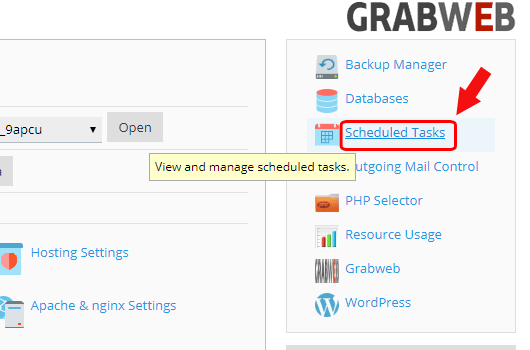
4. Click on the "Scheduled Tasks" button as marked in the image.
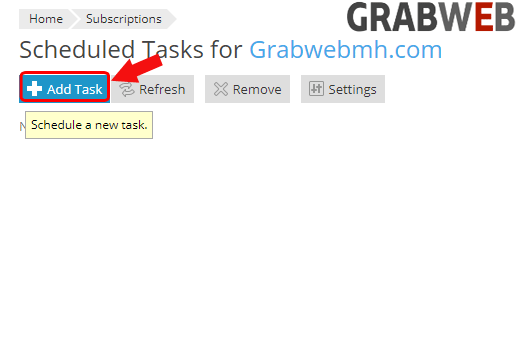
5. Click on the "Add Task" button at the right side of the screen as marked in the image.
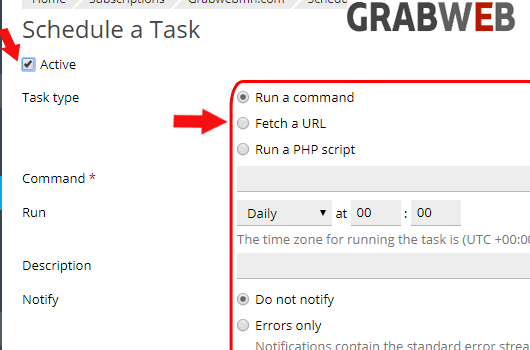
6. Here you need to fulfill all the information according to your scheduled task.
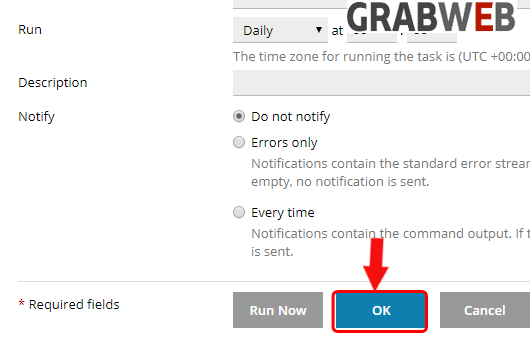
7. Click on Ok to save the scheduled task.