1. Login into Plesk Panel.

2. Click on the "Subscriptions" button on the left side of the screen as marked in the image.

3. Click the "Subscription Name" as marked in the image.

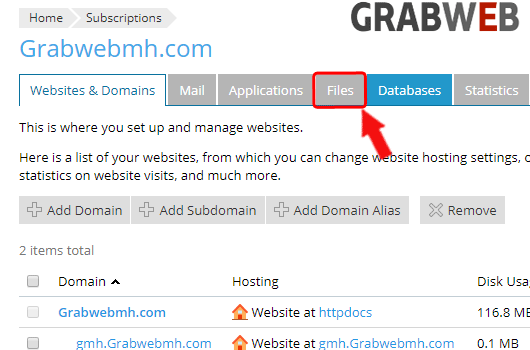
4. Click on "Files" tab as marked in image.
5. Select the files or directory then click on "More" then "Calculate size" button as marked in the image.

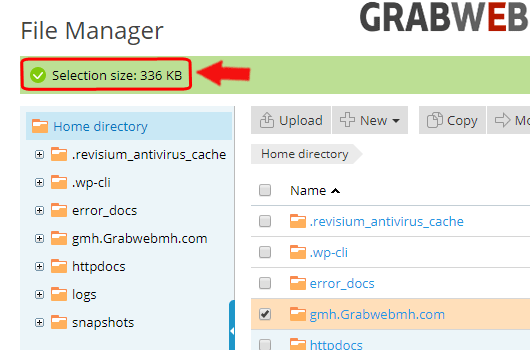
6. Below is the total size of the directory as marked in the image.