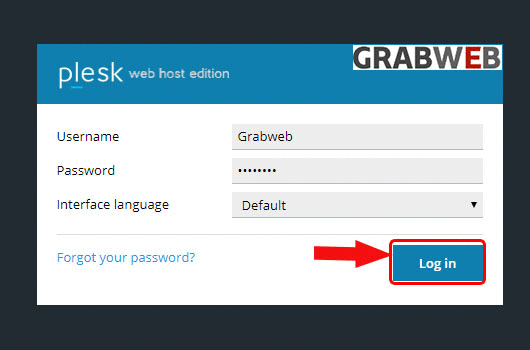
1. Login into Plesk Panel.
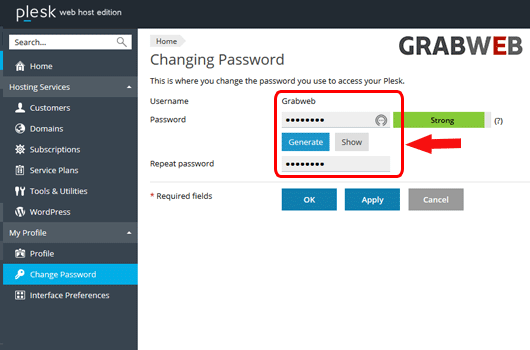
2. Click on the "Change Password" button on the left side of the screen as marked in the image.

3. Select on the "Generate" button as marked in the image. Note: After generate the password click on show and save your password to a safe location.
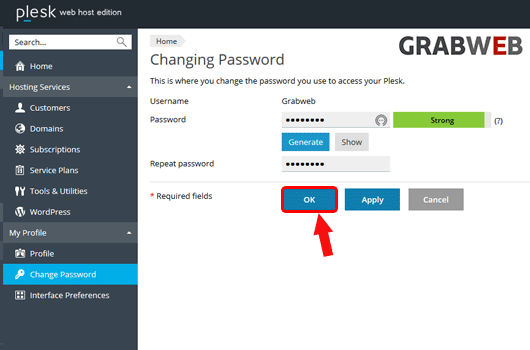
4. Click on the "Ok" to save.
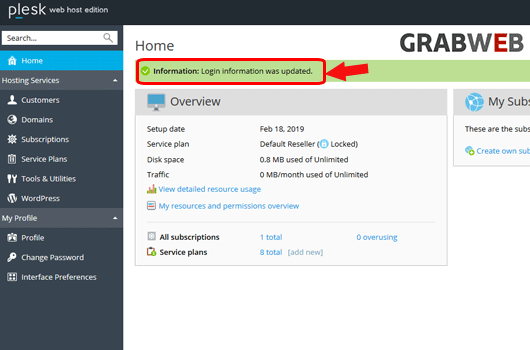
5. Here you can see Password changed successfully as marked in the image.