
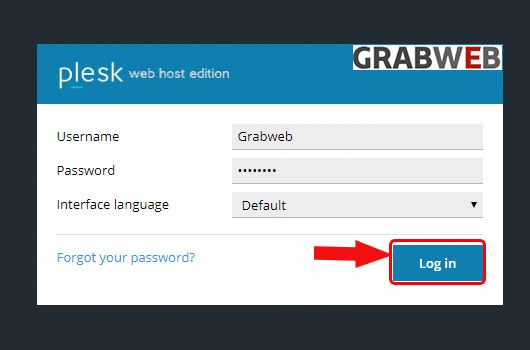
- Login into Plesk Panel.
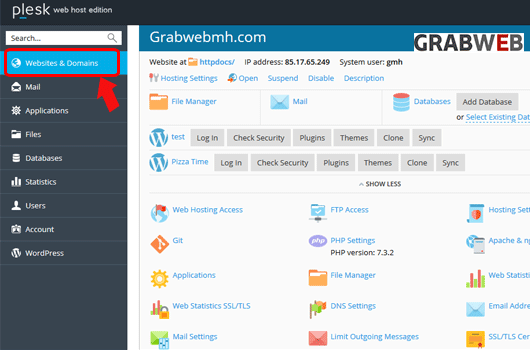
2. Click on the "Websites & Domains" tab as marked in the image.
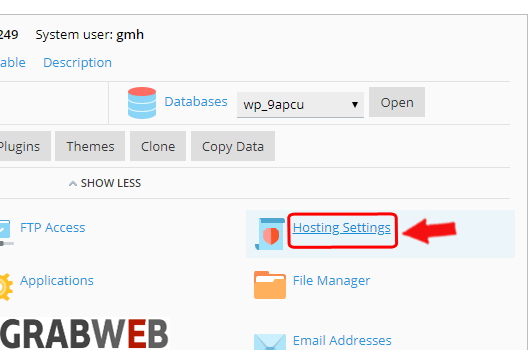
3. Click on the "Hosting settings" button as marked in the image.
4. Select the options www or without www as per your requirement as marked in the image.

5. Click on the "Ok" to save the settings.

