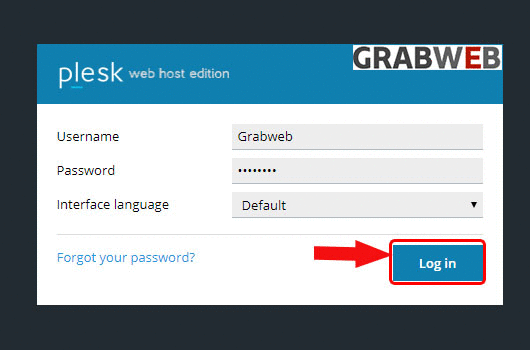
1. Login into Plesk Panel.
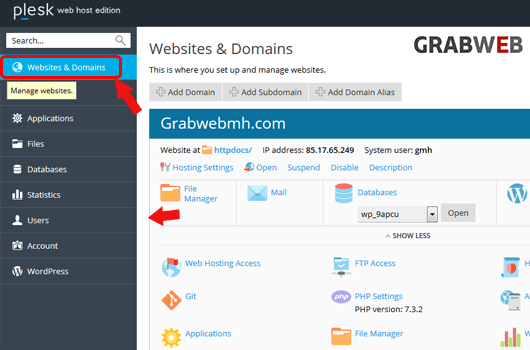
2. Click on the "Websites & Domains" tab as marked in the image.
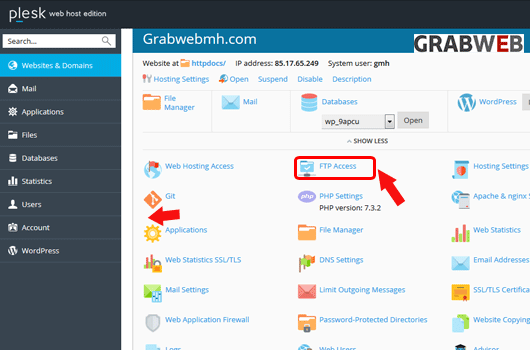
3. Click on the "FTP Access" as marked in the image.
4. Select the FTP account which you want to remove as marked in the image.
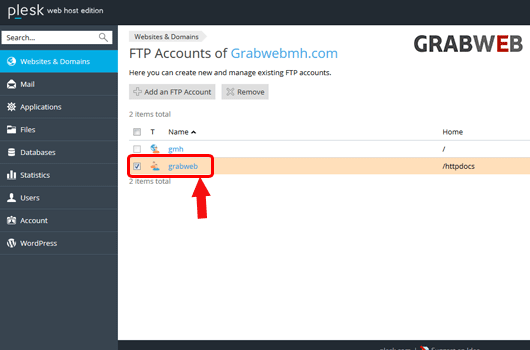
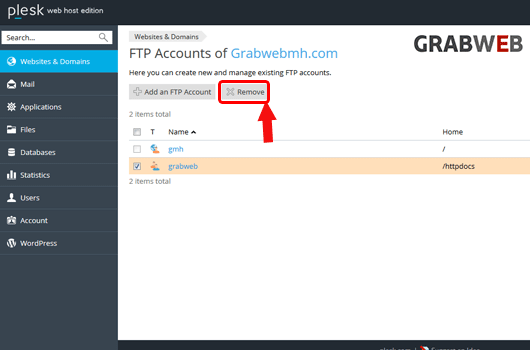
5. Select the "Remove" button as marked in the image.
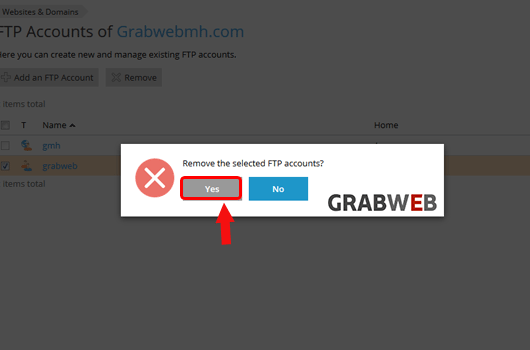
6. Select "Yes" option to remove the FTP account as marked in the image.
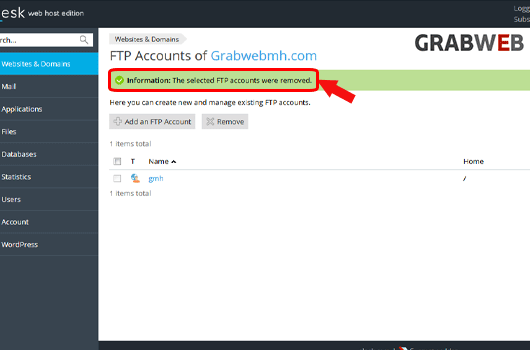
7. FTP account removed successfully as marked in the image.