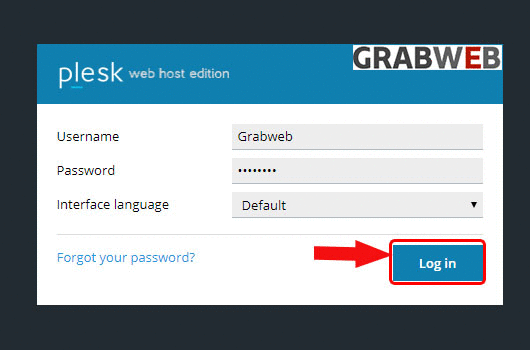
- Login into Plesk Panel.
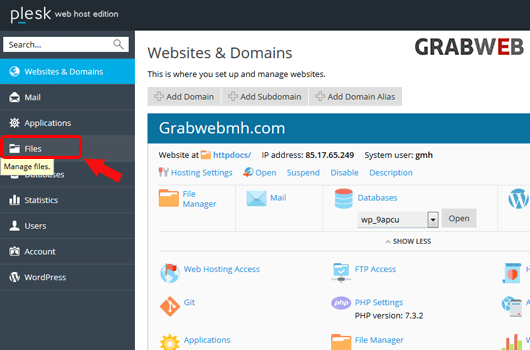
2. Click on the "Files" tab as marked in the image.
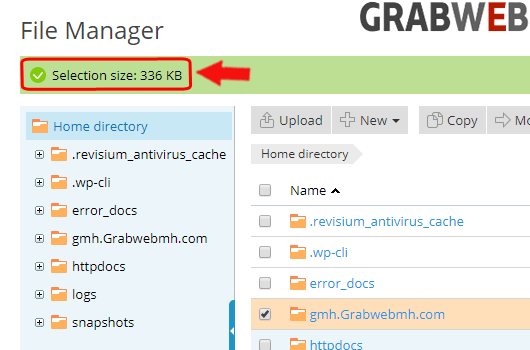
3. Select the files or directory then click on "More" then "Calculate size" button as marked in the image.

4. Below is the total size of the directory as marked in the image.