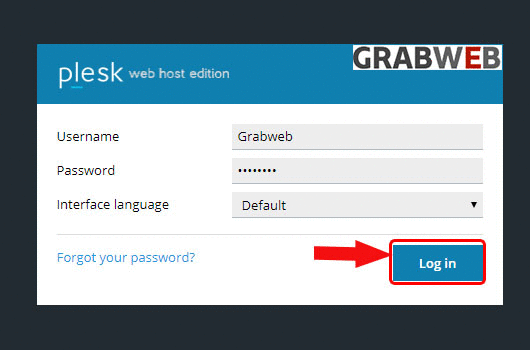
1. Login into Plesk Panel.
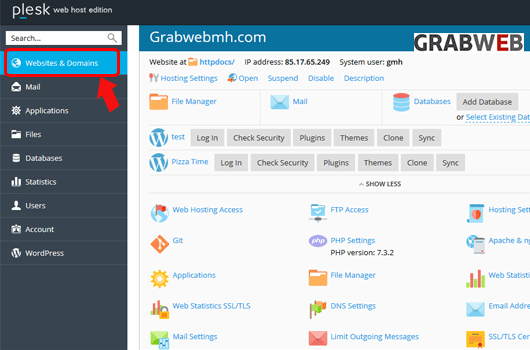
2. Click on the "Websites & Domains" tab as marked in the image.
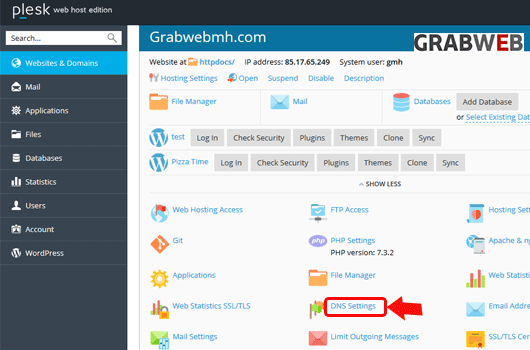
3. Select on the "DNS settings" button as marked on the image.
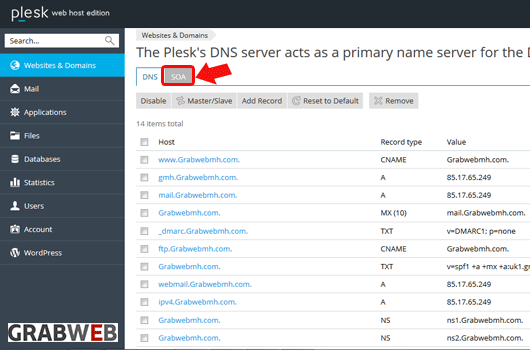
4. Select on the "SOA" button as marked in the image.
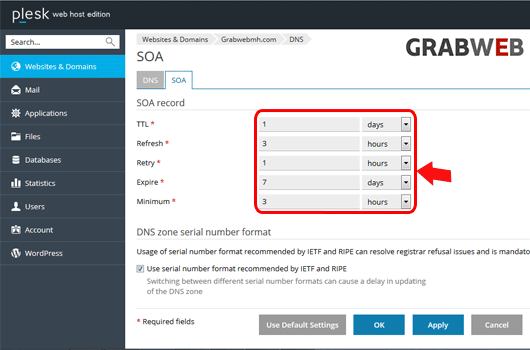
5. Enter the information as per your need as marked in the image.
6. Select on the "Ok" button to save settings.
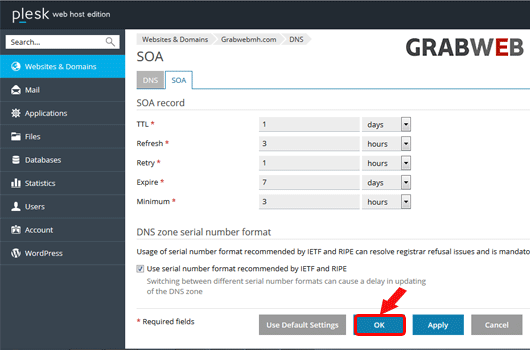
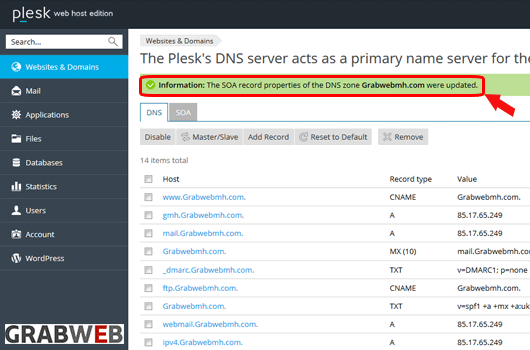
7. Settings have updated successfully as marked in the image.