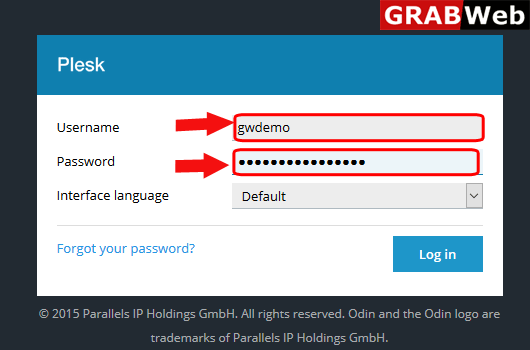
1)Login to Plesk control panel.
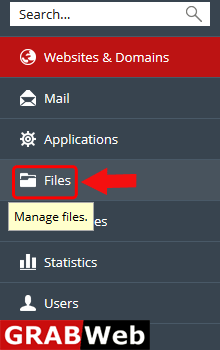
2)Click on File Tab.
3)Click on front of the file or directory which you want to rename as shown in the bellow screenshot.
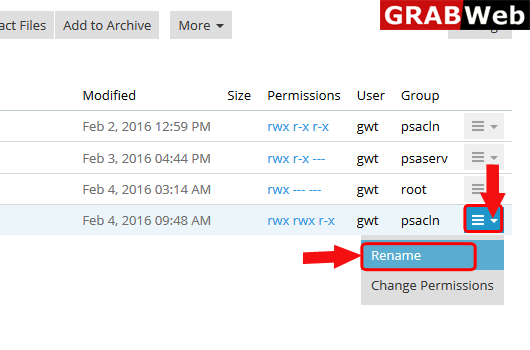
4)Enter the new name of the file and click OK.
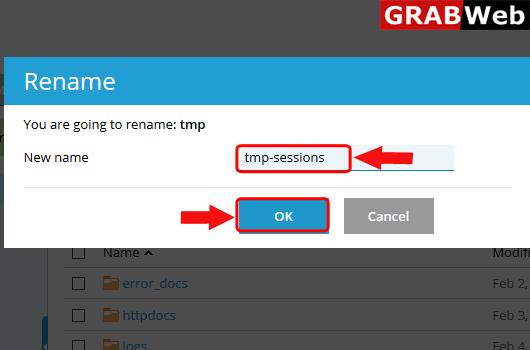
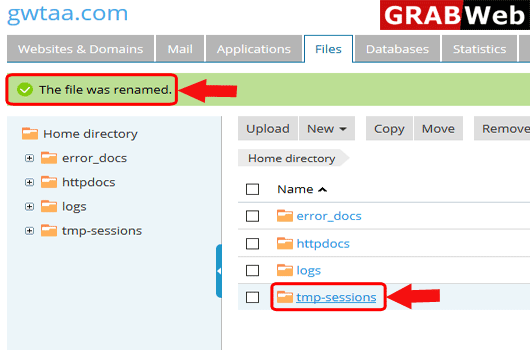
5)Here you can see the information that The file was renamed.