
To create file or directory in plesk follow the following steps:-
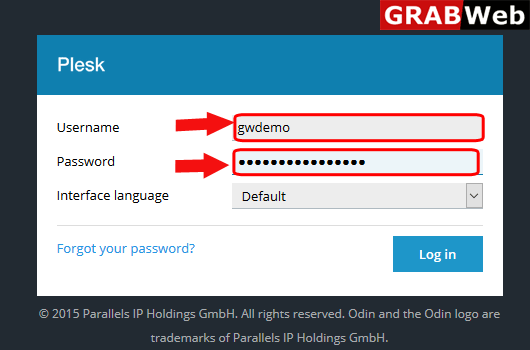
1)Login to Plesk control panel.
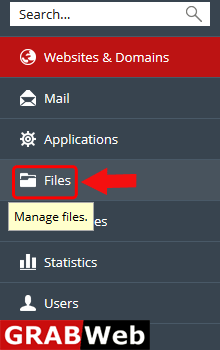
2)Click on File Tab.
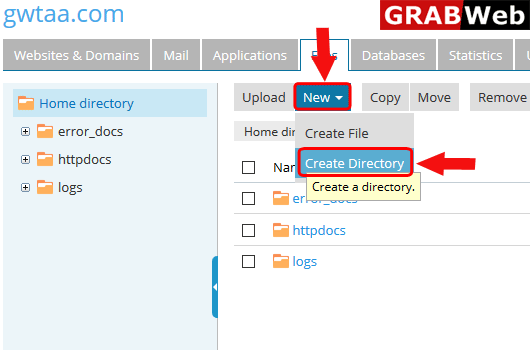
3)As you seen bellow click on New and then click on Create File or Create Directory according to need.
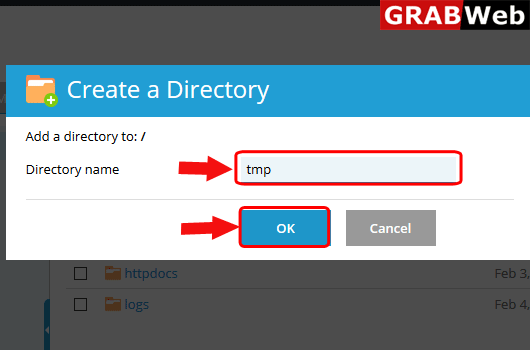
4)Type the directory name and click on OK.
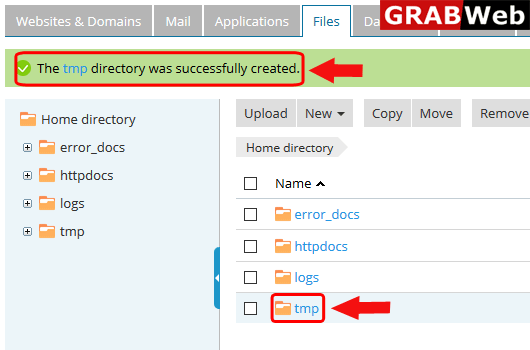
5)Here you can see that directory was successfully created.
1)Login to Plesk control panel.
2)Click on File Tab.
3)As you seen bellow click on New and then click on Create File or Create Directory according to need.
4)Type the directory name and click on OK.
5)Here you can see that directory was successfully created.
