
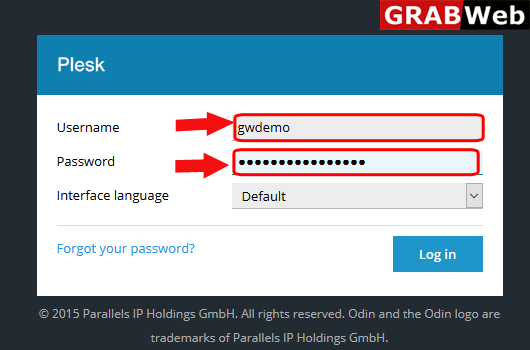
1)Login to Plesk control panel.
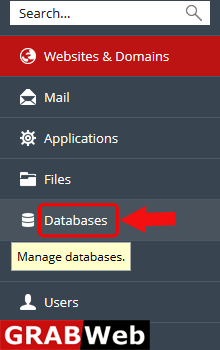
2)Click on Database Tab.
3)In front of your database name you will found a option of phpMyAdmin,click on that.

4)Here you can see in new popup window your database with phpMyAdmin is open.

To add database in subscription follow the following steps:-1)Login to Plesk control...
To add user for database follow thw folllowing steps:-1)Login to Plesk control panel.2)Click on...
To change user of database follow the following steps:-1)Login to Plesk control panel.2)Click on...
To export database in plesk follow the following steps:-1)Login to Plesk control panel.2)Click on...
To import database in plesk follow the following steps:-1)Login to Plesk control panel.2)Click on...
