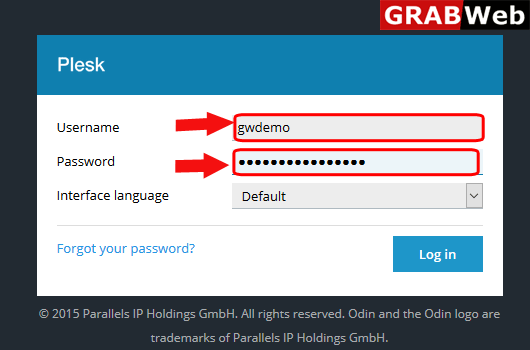
1)Login to Plesk control panel.
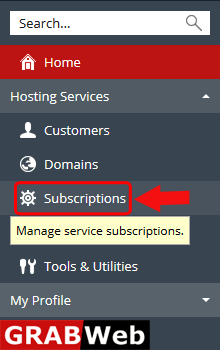
2)Click on Subscriptions.
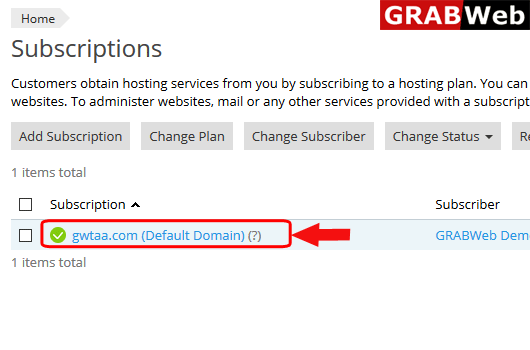
3)Click on subscription name.
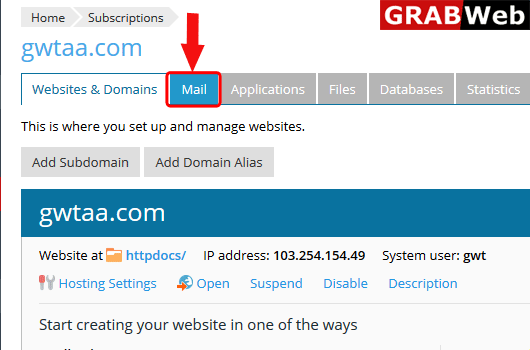
4)Click on Mail tab.
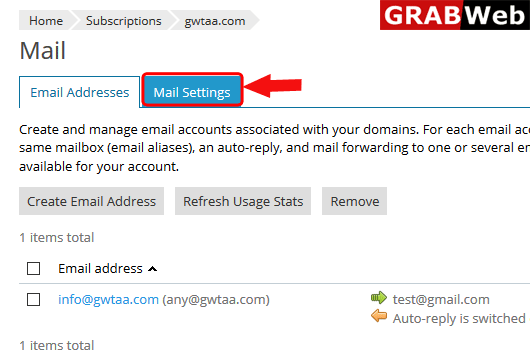
5)Click on Mail Settings.
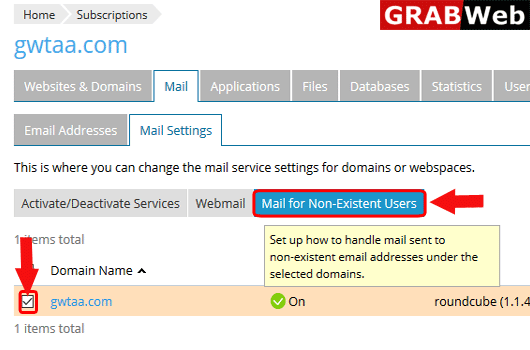
6)Select the domain name and click on Mail for Non-Existent Users.
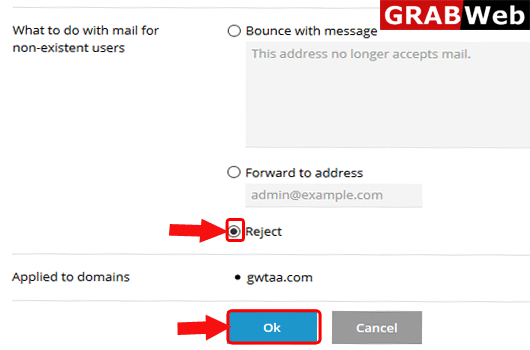
7)Select the option according to requirement and then click on OK.
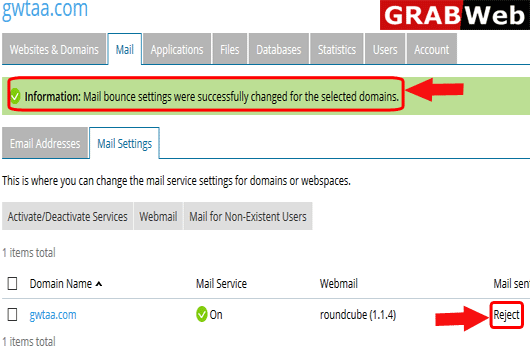
7)Here you can see the Information:Mail bounce settings were successfully changed for thr selected domains.