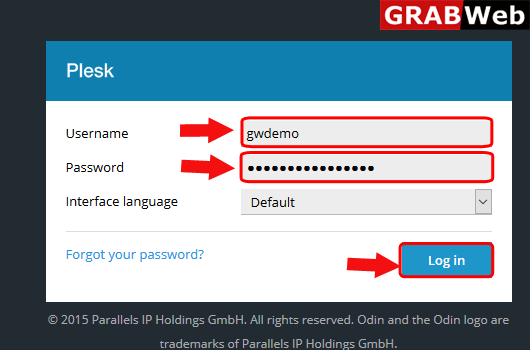
1)Login to Plesk control panel.
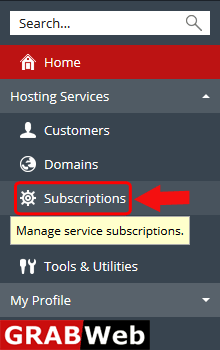
2)Click on Subscriptions.
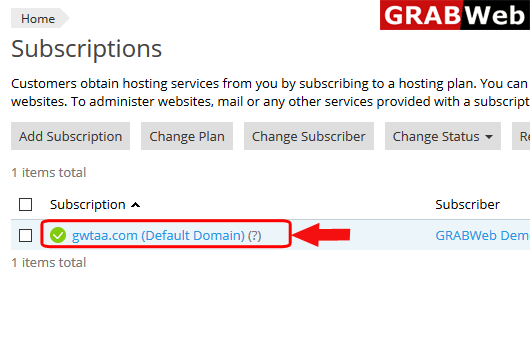
3)Click on subscription name.
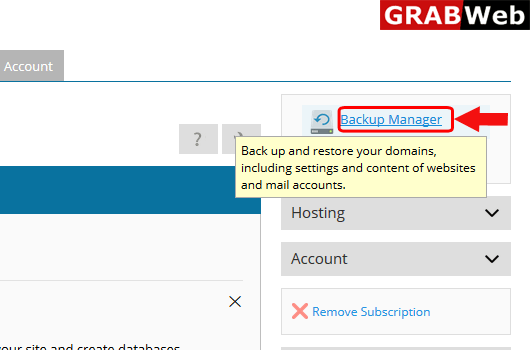
4)Click on Backup Manager at the right hand side.
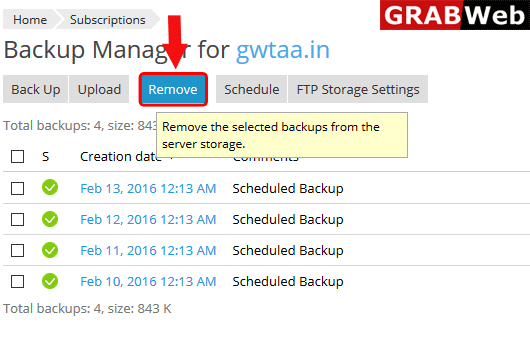
5)Select the backup and then click on Remove.
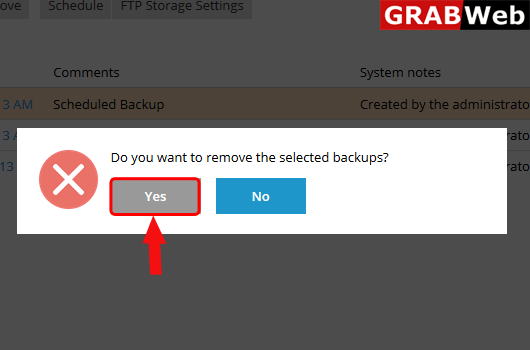
6)Click on Yes.
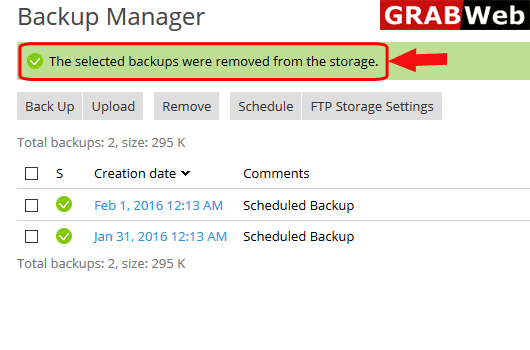
7)Here you can see the information that The selected backups were removed from the storage.