
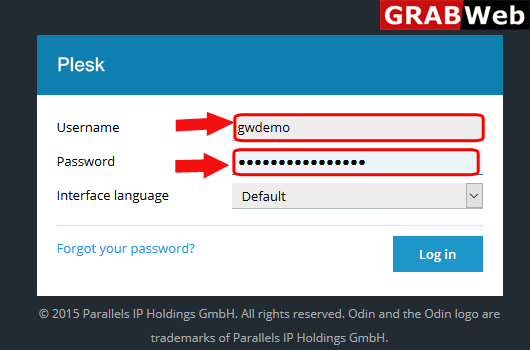
1)Login to Plesk control panel.
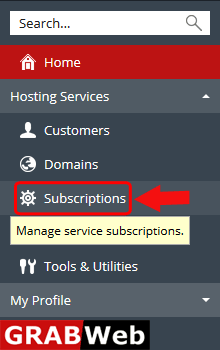
2)Click on Subscriptions.
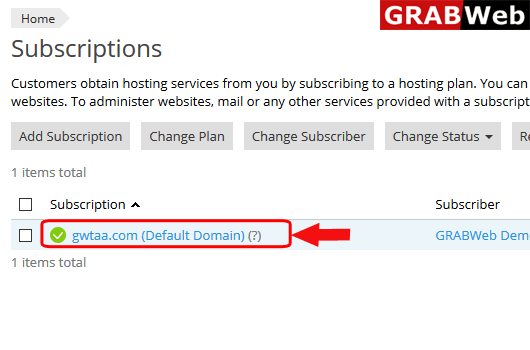
3)Click on subscription name.
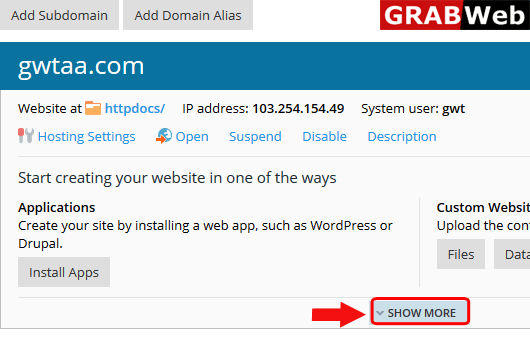
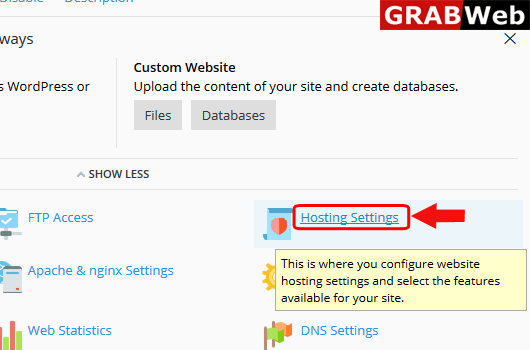
4)Click on Show More option.
5)Click on Hosting Settings.
6)Click on Front of the php support and change the version.
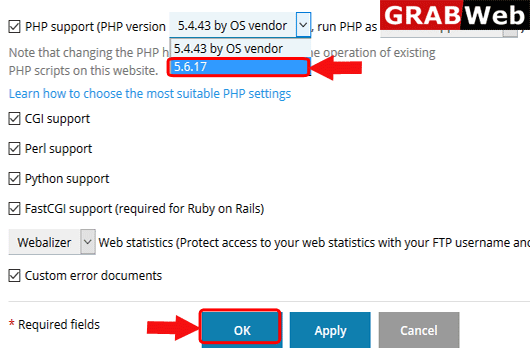
7)Here you can see that Settings were successfully updated.

