
1)Login to Plesk control panel.

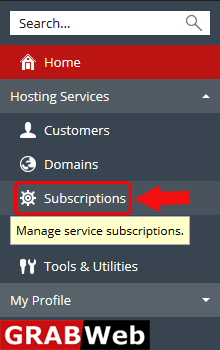
2)Click on Subscriptions.
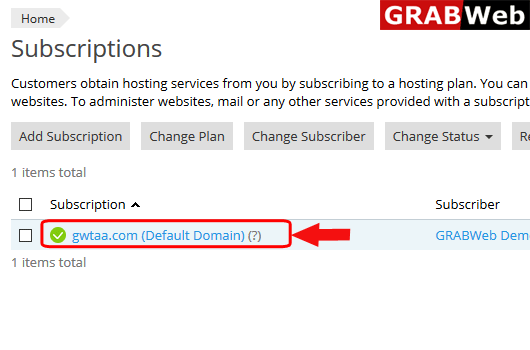
3)Click on subscription name.
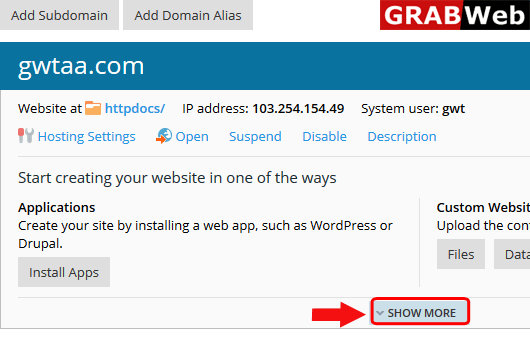
4)Click on Show More option.
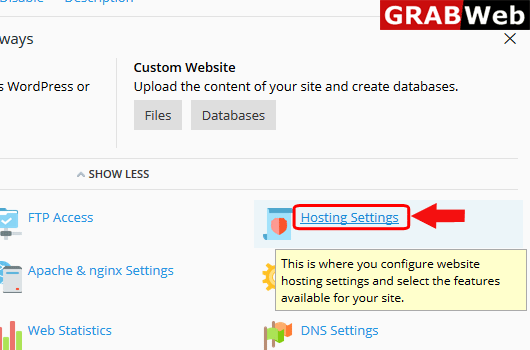
5)Click on Hosting Settings.
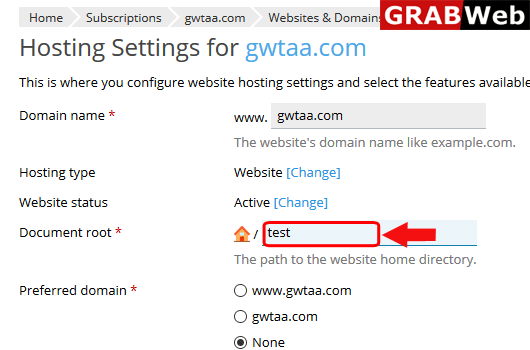
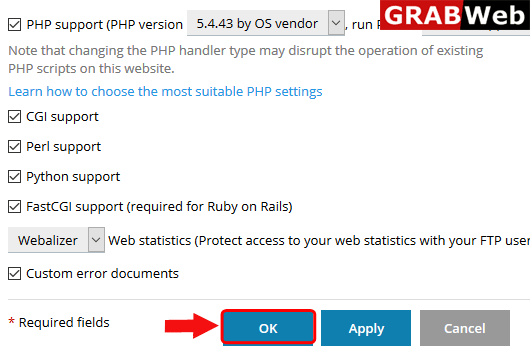
7)Enter the Doucment Root directory name then click on OK.
8)Here you can see the Information:The settings were successfully updated.

