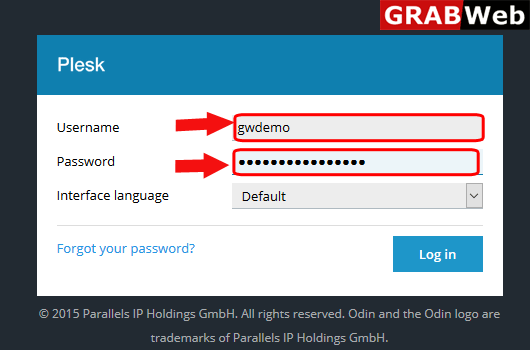
1)Login to Plesk control panel.
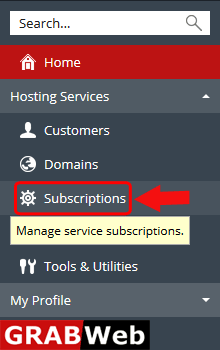
2)Click on Subscriptions.
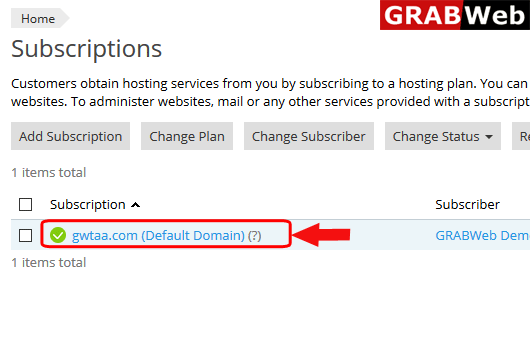
3)Click on subscription name.
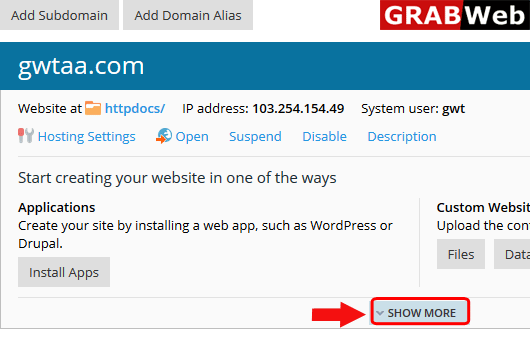
4)Click on Show More option.
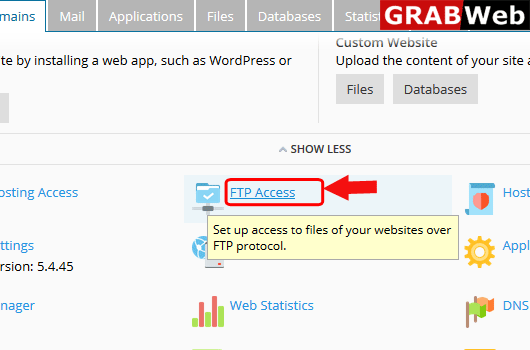
5)Click on FTP Access.
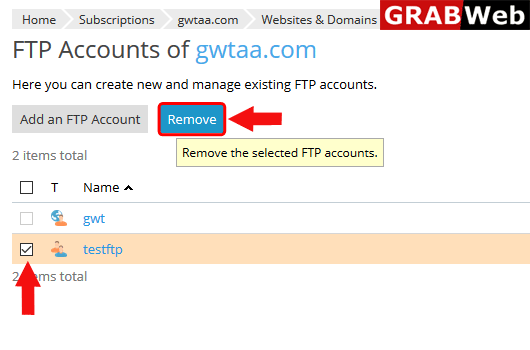
6)Select the FTP account which you want to remove then click on Remove.
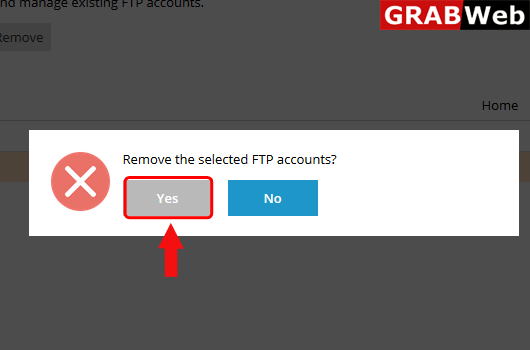
7)Click on Yes.
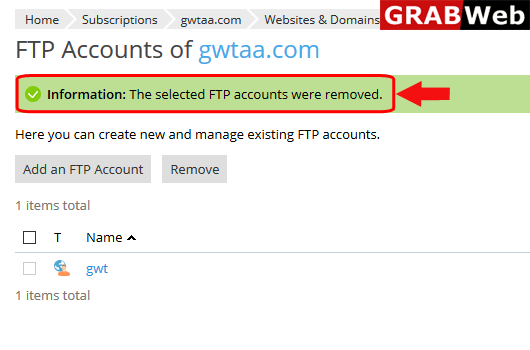
8)Here you can see the Information:The selected FTP accounts were removed.