
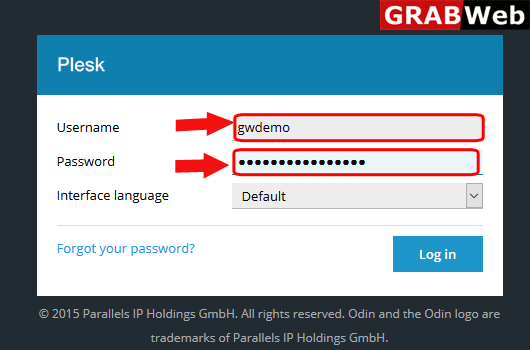
1)Login to Plesk control panel.
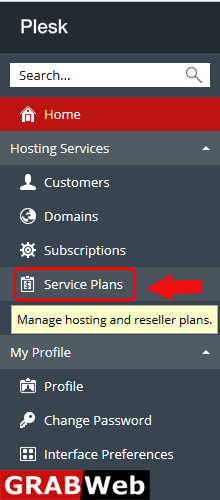
2)Click on Service plans.
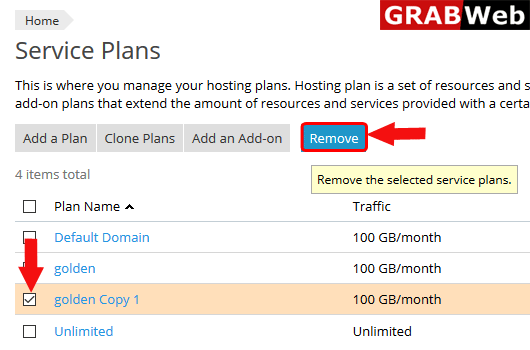
3)Select the plan and then click on Remove.
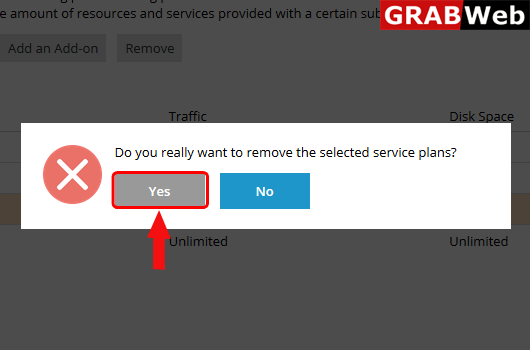
4)Click on Yes.
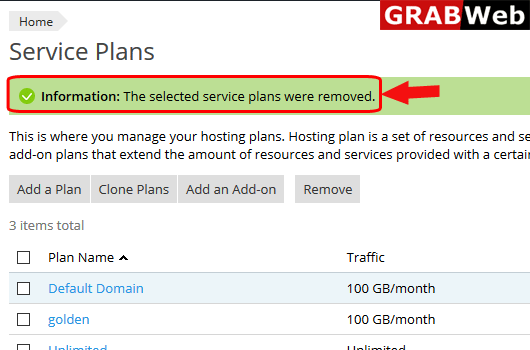
5)Here you can see the Information:The selected service plans were removed.
To add addon plan in plesk follow the following steps:-1)Login to Plesk control panel.2)Click on...
To add new service plan in plesk follow the following steps:-1)Login to Plesk control...
To clon a plan in plesk follow the following steps:-1)Login to Plesk control panel.2)Click on...
