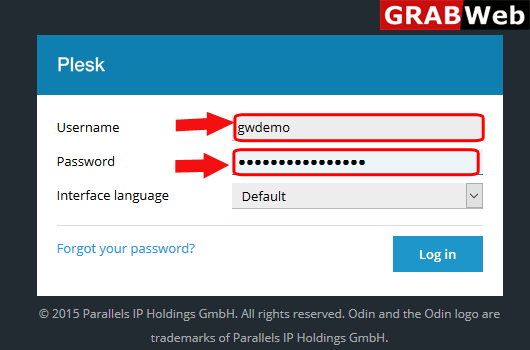
1)Login to Plesk control panel.
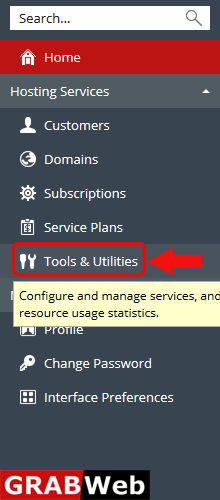
2)Click on Tools & Utilities.
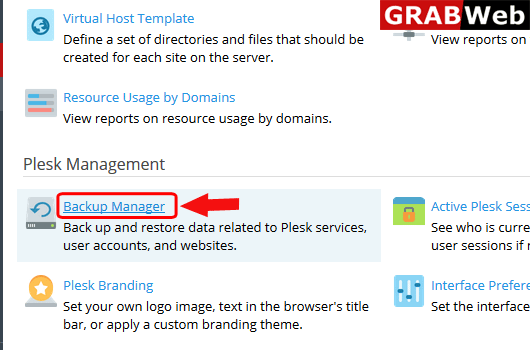
3)Click on Backup Manager.
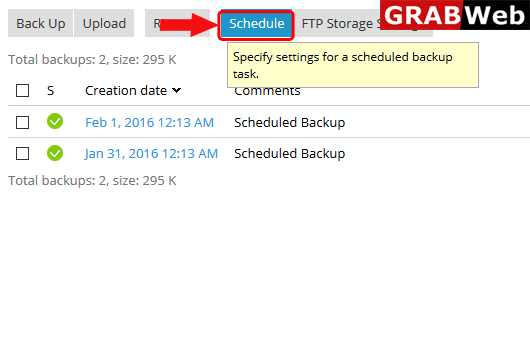
4)Click on Schedule.
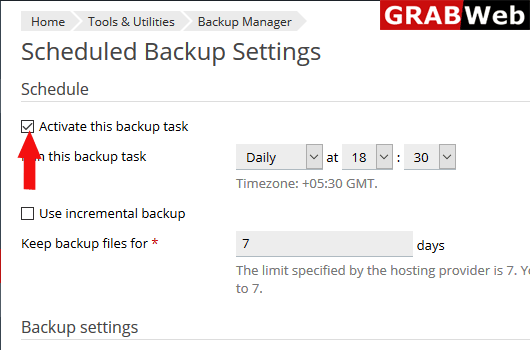
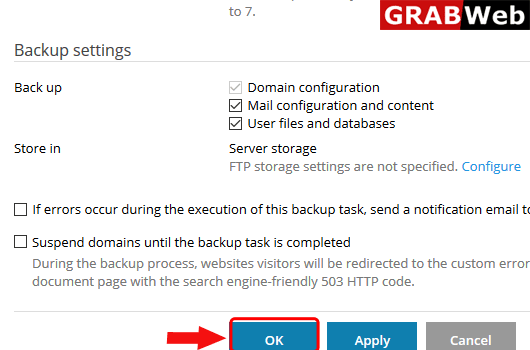
5)Select the activate this backup task first abd then enter other information according to requirment like date,time and number of backups and at the end click on OK.