
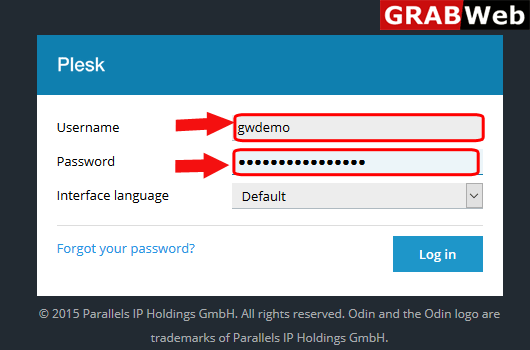
1)Login to Plesk control panel.
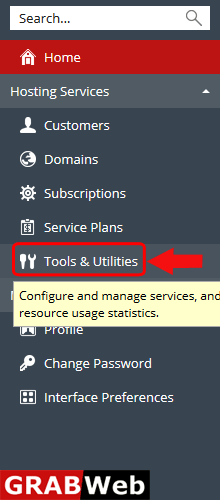
2)Click on Tools & Utilities.
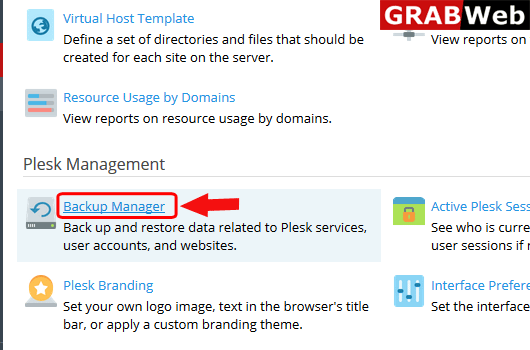
3)Click on Backup Manager.
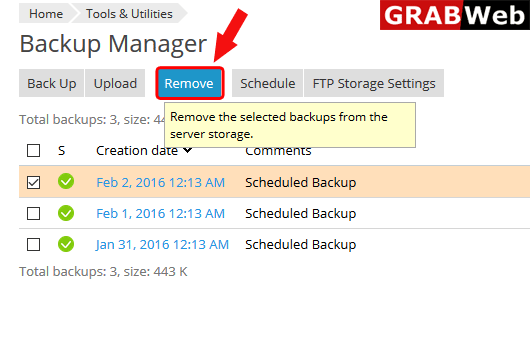
4)Select the backup and then click on Remove.
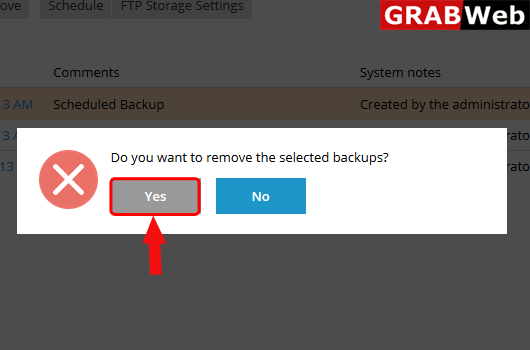
5)Click on Yes.
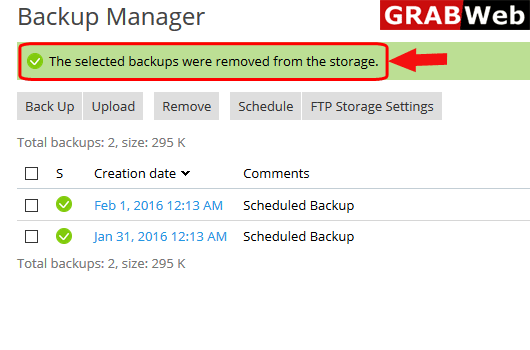
6)Here you can see that backup is removed from backup manager.
To schedule backup of reseller account follow the following steps:-1)Login to Plesk control...
To take complete plesk backup follow the following steps:-1)Login to Plesk control panel.2)Click...
To upload backup in reseller backup manager follow the following steps:-1)Login to Plesk control...
