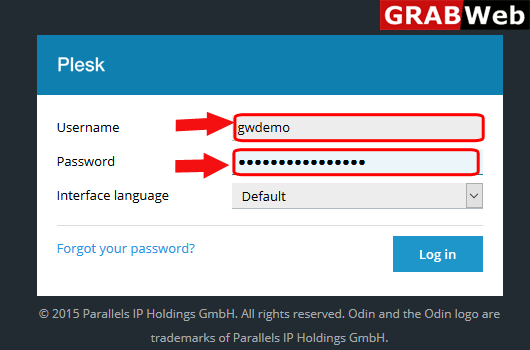
1)Login to Plesk control panel.
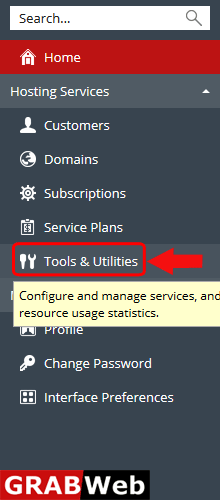
2)Click on Tools & Utilities.
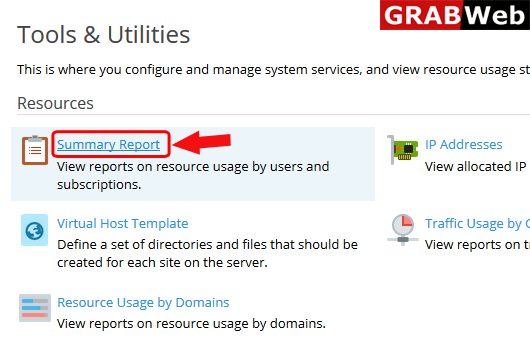
3)Inside Tools & Utilities click on Summary Report.
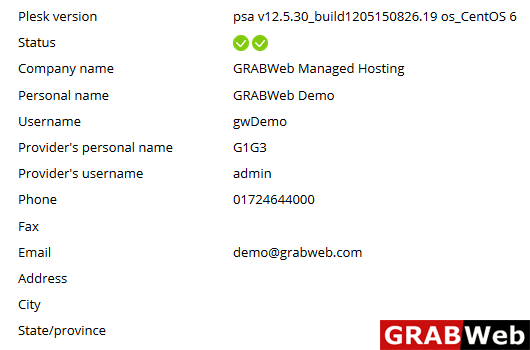
4)Here you can see the report of reseller account.
5)Here you can see the report regarding usage of domains.
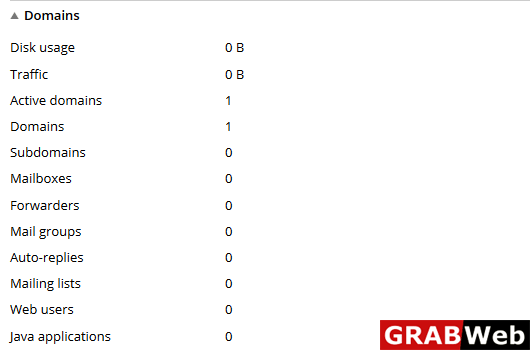
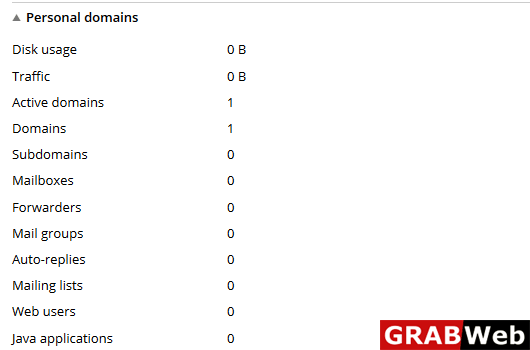
6)Here you can see the resource usage by Personal domains.