NOTE:Remove the installed application will also remove all the data.
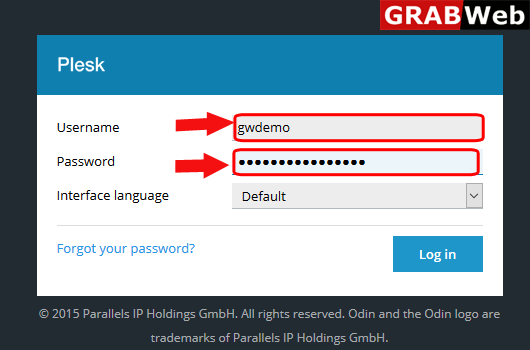
1)Login to Plesk control panel.
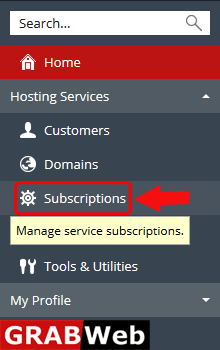
2)Click on Subscriptions.
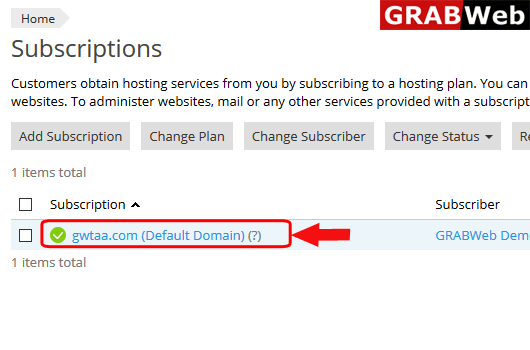
3)Click on subscription name on which you want to remove the installed application.
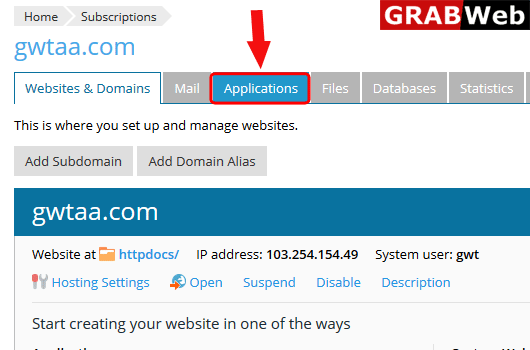
4)Click on Applications Tab.
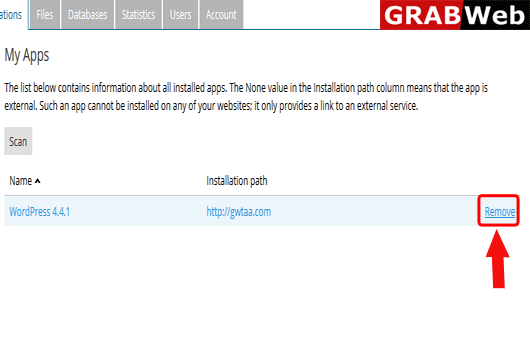
5)Here you found the installed app.In front of installed application click on Remove Link.
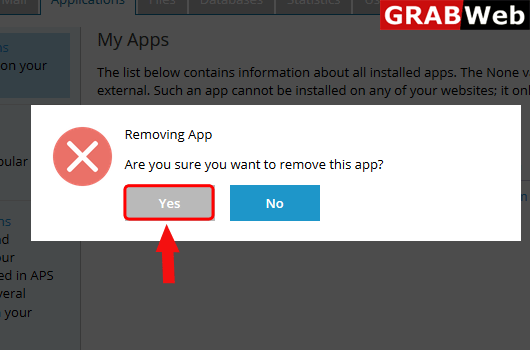
6)Plesk will ask you again click on Yes.
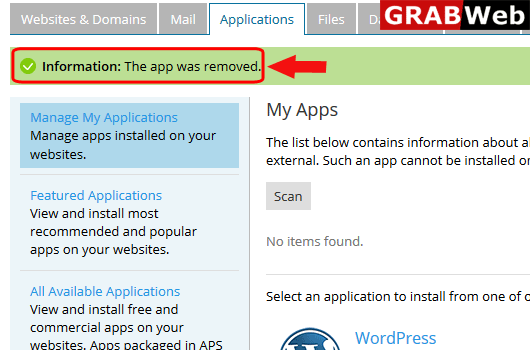
7)Here you can see The app was removed.