1)Login to Plesk control panel.

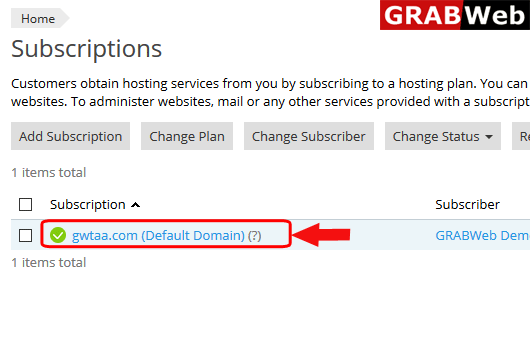
2)Click on Subscriptions.

3) Click on Subscription name on which you want to install the wordpress.
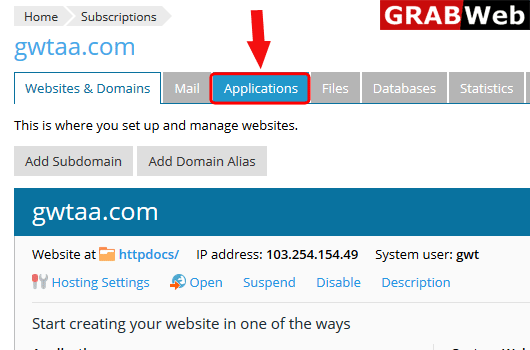
4)Click on Application tab.
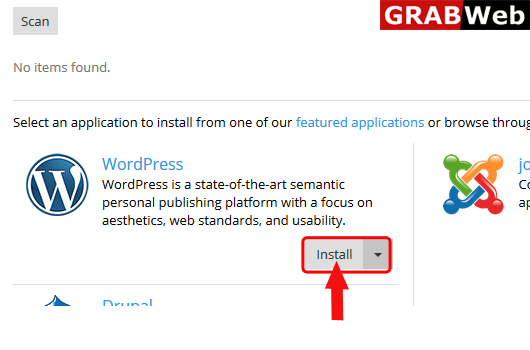
5)Here you can see the application lists,Click on the application which you want to install.I am clicking on wordpress install.
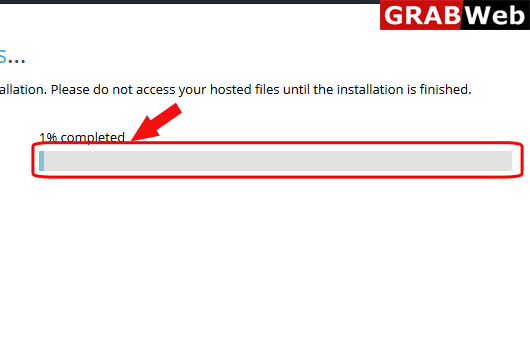
6)Here you can see that wordpress installation is started.
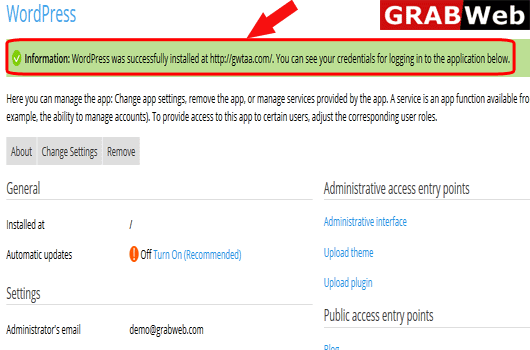
7) Wordpress installed sucessfully.