
All files and directories related to your sites are kept on the server in a single directory, commonly referred to as webspace. To connect to the webspace over FTP for uploading, downloading, and deleting files, you use FTP account username and password.
To change FTP account username or password. Please follow the following settings:-
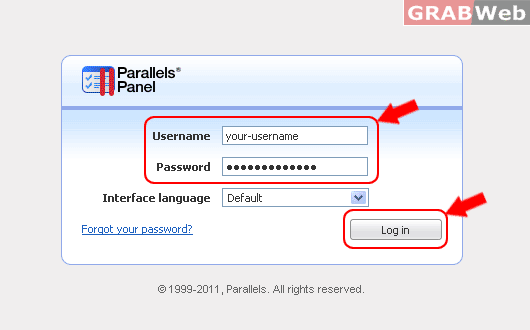
1) Login to Plesk control panel.
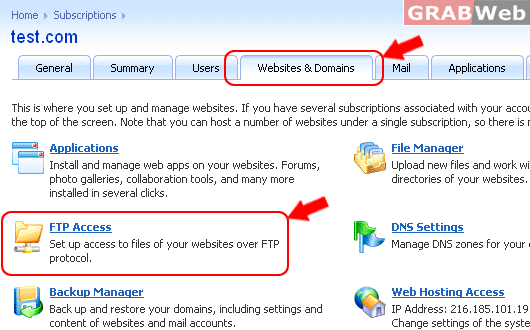
2) Click on "Websites and Domains" and then click on FTP Access.
3) Click on the "FTP username" under whome you want to change FTP password.

4) Fill the required fiels:
FTP Username :
Password :
Confirm Password:
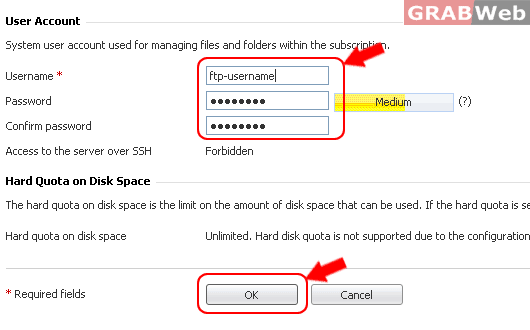
5) Click OK.
For Flash Tutorial : Click Here
