
Copy website files to another site or external FTP storage.
Please follow the following steps:
1) Login to Plesk control panel.
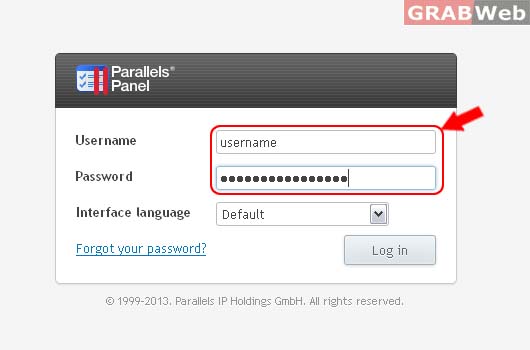
2) Click on Websites & Domains.
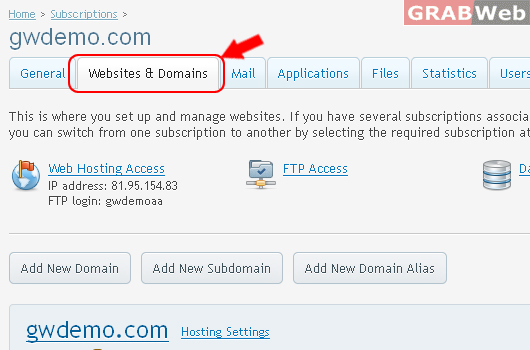
3) Click on Domain Name as marked in RED.
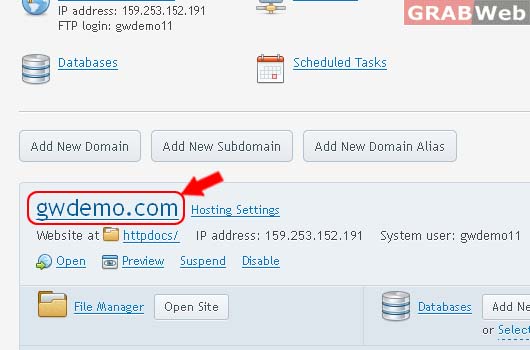
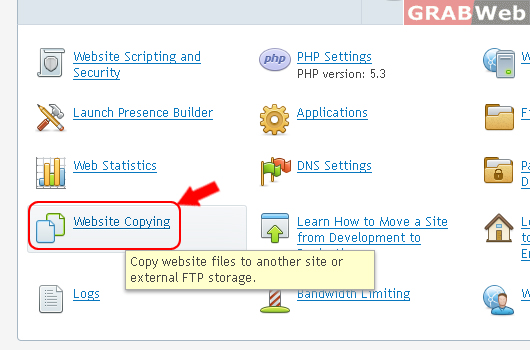
4) Click on Website Copying [FULL VIEW]
Copy the website files to another site of yours hosted under this account or to an FTP storage. Such copying is useful if this is a production website and you are planning to make major site changes. In such a case, you can clone the site to a staging environment and let your designers and programmers work on the clone without interrupting operations of the production site. Copying the site files is a part of cloning the site, you will also have to copy databases used by the site to complete it. For details, go to Websites & Domains > Learn How to Clone a Site to Staging Environment. If you do not have another site to use as a staging environment, you can add a new domain or a subdomain for that purpose.
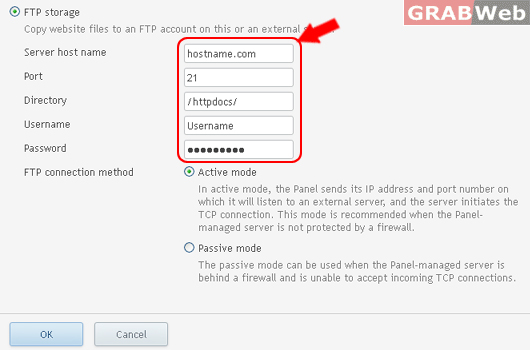
5) Enter the required details as marked in RED.
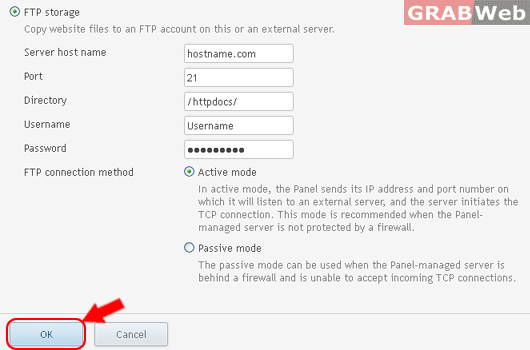
6)Click Ok

![[FULL VIEW]](https://manage.grabweb.net/img-kb/plesk11.5/reseller/Subscriptions/webanddomains/WebsiteCopying/fullview-websitecopying.jpg)