
Install and manage web apps on your websites. Forums, photo gallaries, collaboration tools, and many more installed in several clicks.
Please follow the following steps:
1) Login to Plesk control panel.

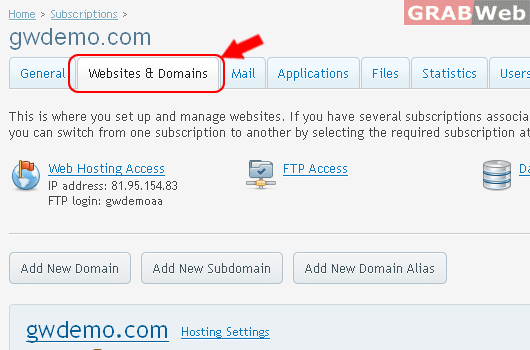
2) Click on Websites & Domains.
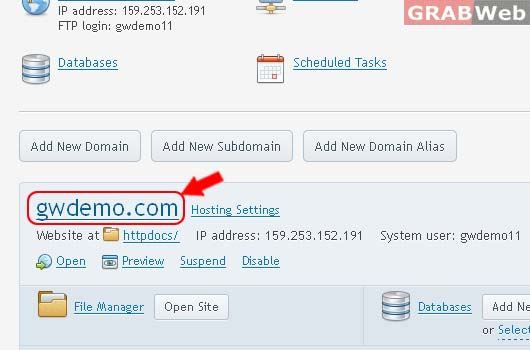
3) Click on Domain Name as marked in RED.
4) Click on Applications. [SEE FULL VIEW]

5) See Following options
- Featured Applications

- All Available Applications

- Manage My Applications
The list below contains the information about all installed apps. The None value in the Installation path column means that the app is external. Such an app cannot be installed on any of your websites; it only provides a link to an external service.

![[SEE FULL VIEW]](https://manage.grabweb.net/img-kb//plesk11.5/reseller/Subscriptions/webanddomains/applications/applications-overview.jpg)