To Change Plan, Please follow the following settings:-
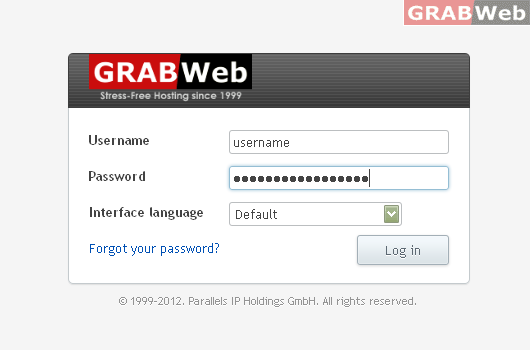
1) Login to Plesk control panel.
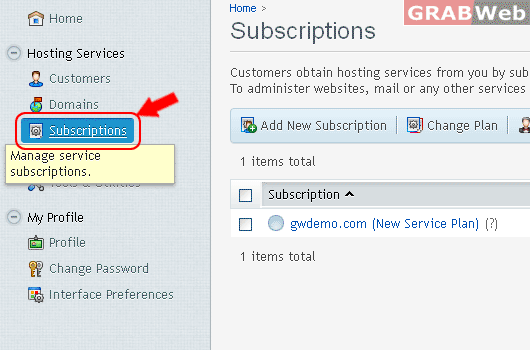
2) Click on "Subscriptions".
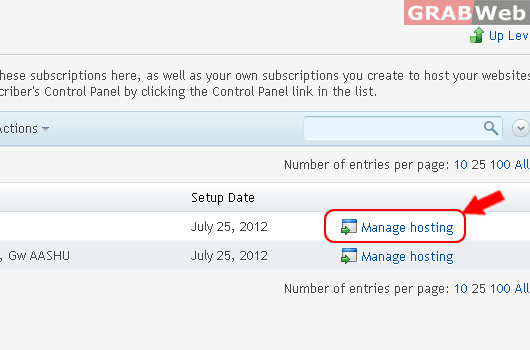
3) Click on "Manage Hosting"
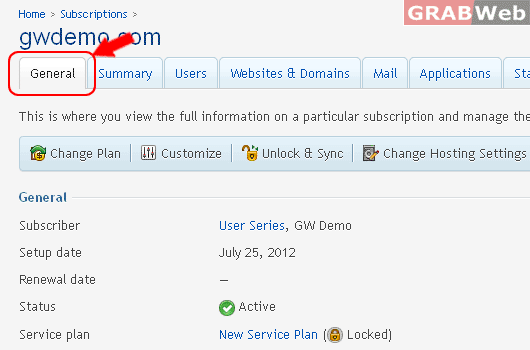
5) Click on General Tab.
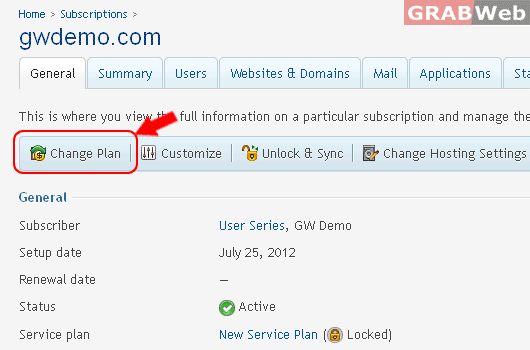
6) Click on Change Plan.
7) Select a New Service Plan from the Drop Down Menu.
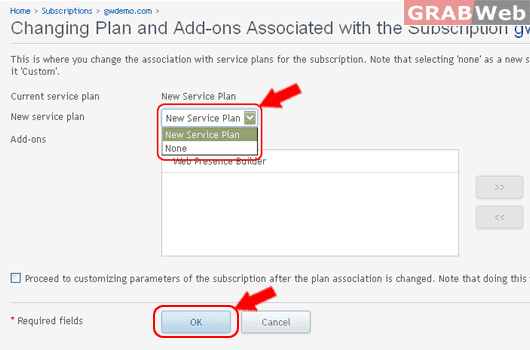
8) Click Ok.
Information: The subscription was successfully re-associated with service plans.
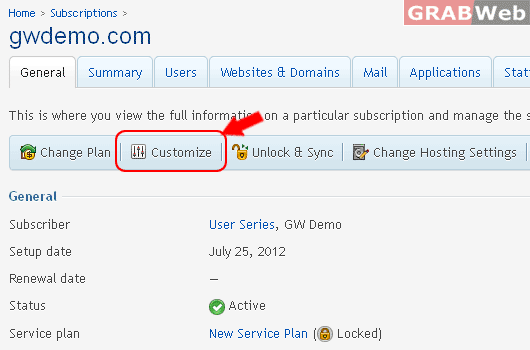
9) Click on Customize, to Change and check Resources and Permissions and etc.
10) Click on Resource Tab.
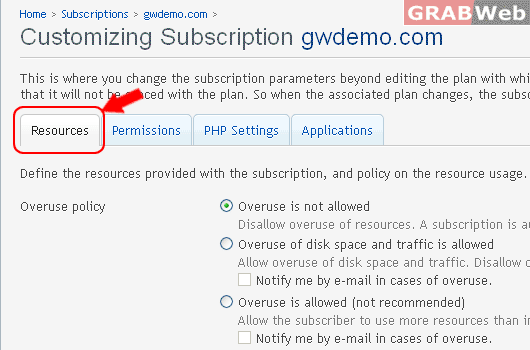
11) Click on Permission Tab.
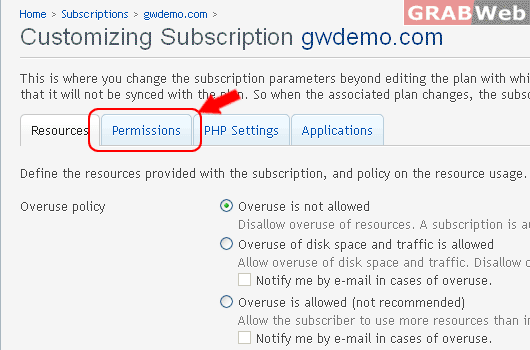
12) Click Ok or Unlock & Sync.
13) To Update & Sync with Assigned Service Plan, Click on Unlock & Sync
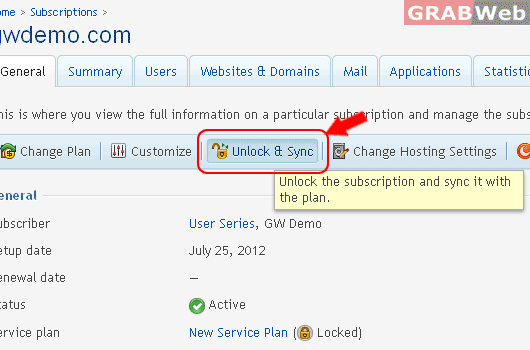
Information: Subscription gwdemo.com was successfully synced with plan New Service Plan.
14) To Change Subscriptino IP and FTP Uername , Click on Change Hosting Settings.
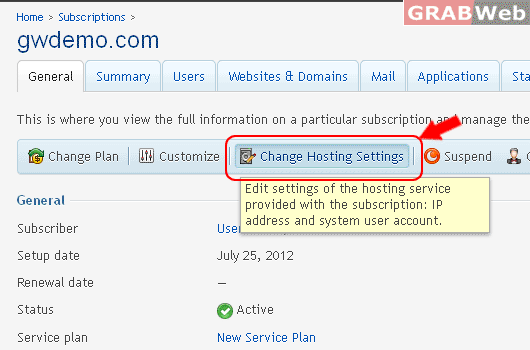
15) Change the Subscription IP and FTP Username also as marked in RED.
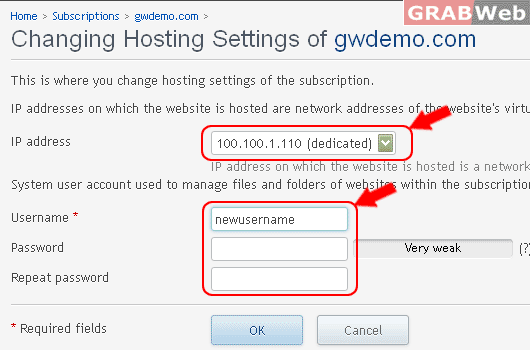
Information: Hosting settings were updated.
16) How to Suspened Particular Subscription.
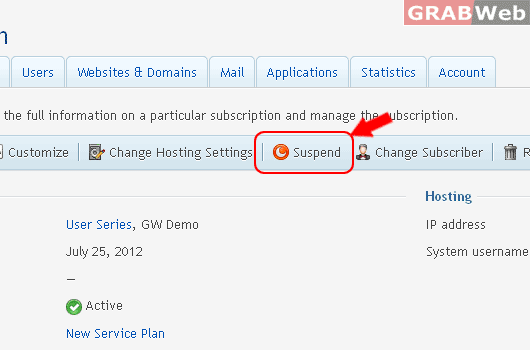
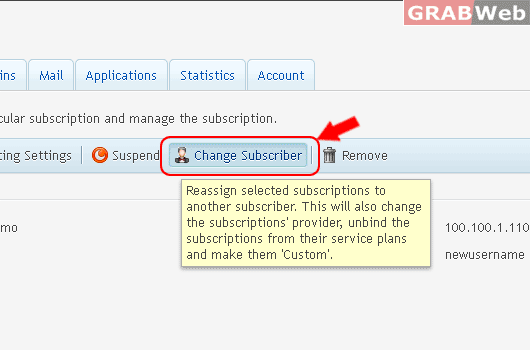
17) How to Change Subscriber, from Current root to Customer Level.
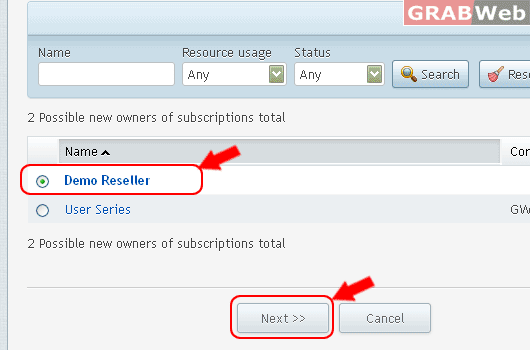
18) Select Customer Name, then Click Next.
19) Click Finish
Information: Subscription ownership was changed.
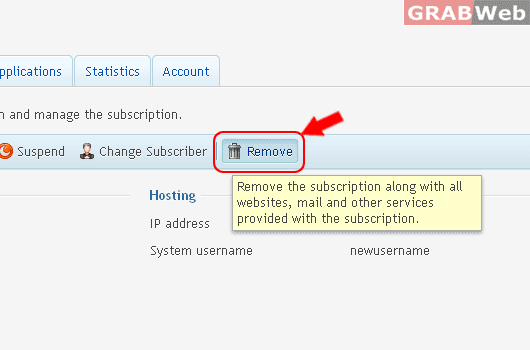
20) How to remove Particular Subscripton, Click on Remove.