
To Change Database User Name and Password in Reseller Account, Please follow the following steps :-
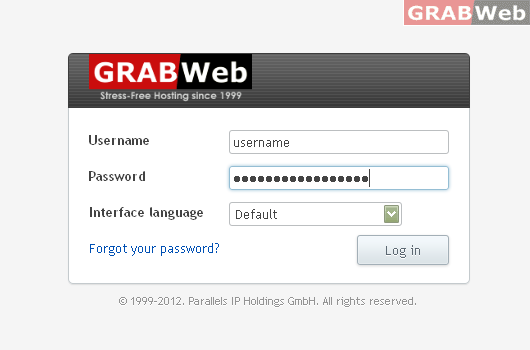
1) Login to Plesk control panel.
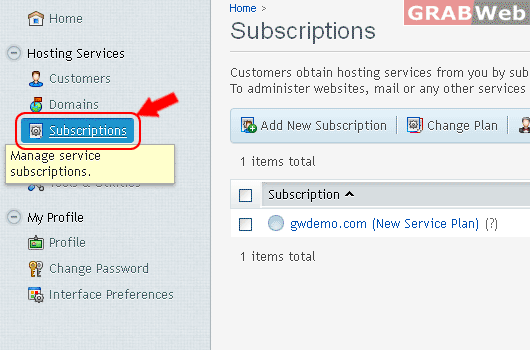
2) Click on Subscriptions.
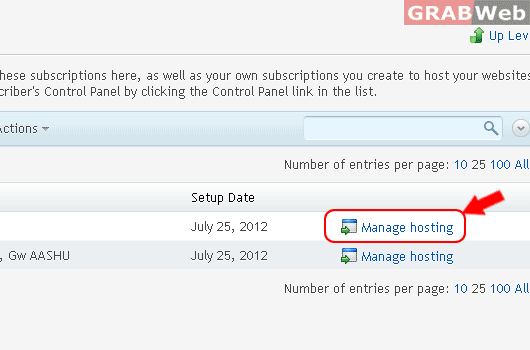
3) Click on Manage Hosting.
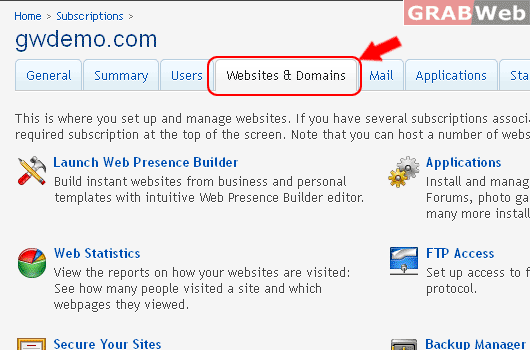
4) Click on Websites & Domains.
5) Click on Databases.
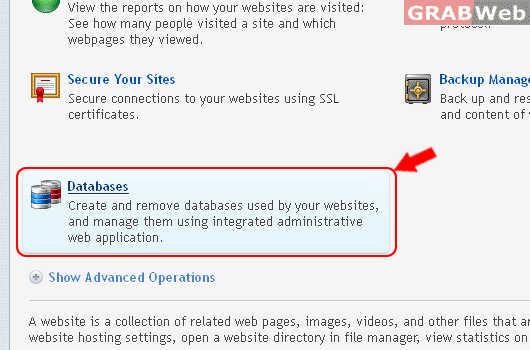
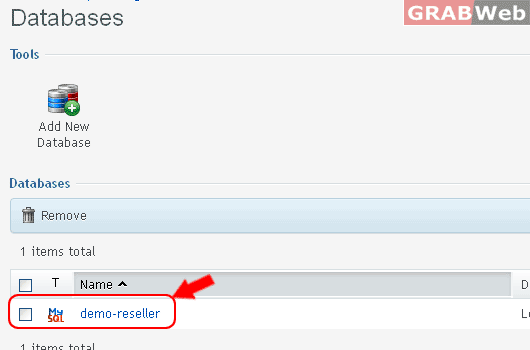
6) Click on Click on Database Name.
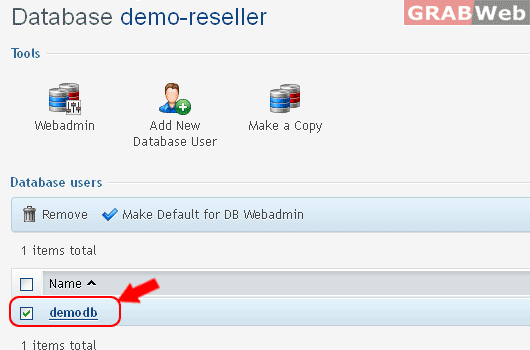
7) Click on Database Username.
8) Enter the Following details as marked in RED.
- Database user name
- New password
- Confirm password
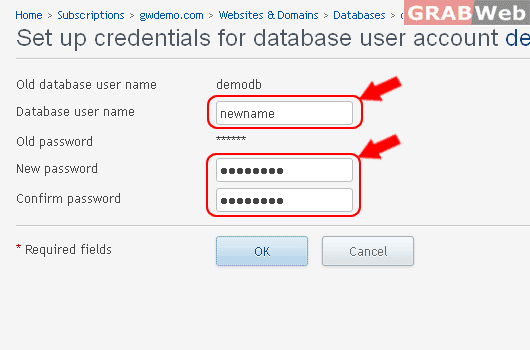
Information: The database user new name was updated.
